A CRM that does not integrate with the rest of the business becomes another isolated database. The sales team updates one system. Marketing runs campaigns in another. Support handles tickets somewhere else. Billing has the real customer status. Nobody has the full picture.
Laravel is a practical choice for custom CRM integrations because it can sit at the center of these workflows: accepting webhooks, sending API requests, processing queues, storing sync logs, and exposing clean internal APIs for dashboards and reporting.
Start With Source of Truth Decisions
Before writing integration code, decide which system owns each type of data. This sounds boring, but it prevents painful sync loops later.
- The CRM may own account owner, deal stage, sales notes, and follow-up tasks.
- Mautic may own campaign membership, email engagement, and marketing scores.
- The billing system may own subscription status, invoice state, and payment failures.
- The support desk may own tickets, SLA status, and customer issue history.
When ownership is clear, integration rules become simpler. The CRM can display marketing engagement without pretending to own every marketing field. Billing can update account health without letting sales users edit payment state manually.
Use Queued Sync Jobs for Outgoing API Calls
Outgoing API calls should rarely happen directly inside a controller. When a user edits a contact, the CRM should save the update immediately and dispatch a job such as SyncContactToMautic. The job can run in the background, retry safely, and record whether the sync succeeded.
This keeps the user interface fast and protects the CRM from third-party downtime. If the email platform is slow, sales users should still be able to update leads, create tasks, and move deals forward.
Accept Webhooks With Idempotency
External systems often notify the CRM through webhooks: email clicked, invoice failed, subscription renewed, ticket closed, or form submitted. Webhooks are useful, but they are not always clean. They may arrive twice, arrive out of order, or arrive after the related record has changed.
A Laravel CRM should store webhook events with a unique external event ID where possible. Before processing a webhook, check whether that event has already been handled. This idempotency prevents duplicate notes, duplicate tasks, and repeated state changes.
Integrating Mautic With a Laravel CRM
Mautic is valuable when marketing automation needs to feed sales context. A Laravel CRM integration can sync contacts, segment membership, campaign activity, form submissions, and lead scores.
A practical Mautic integration might work like this:
- A website form creates or updates a Mautic contact.
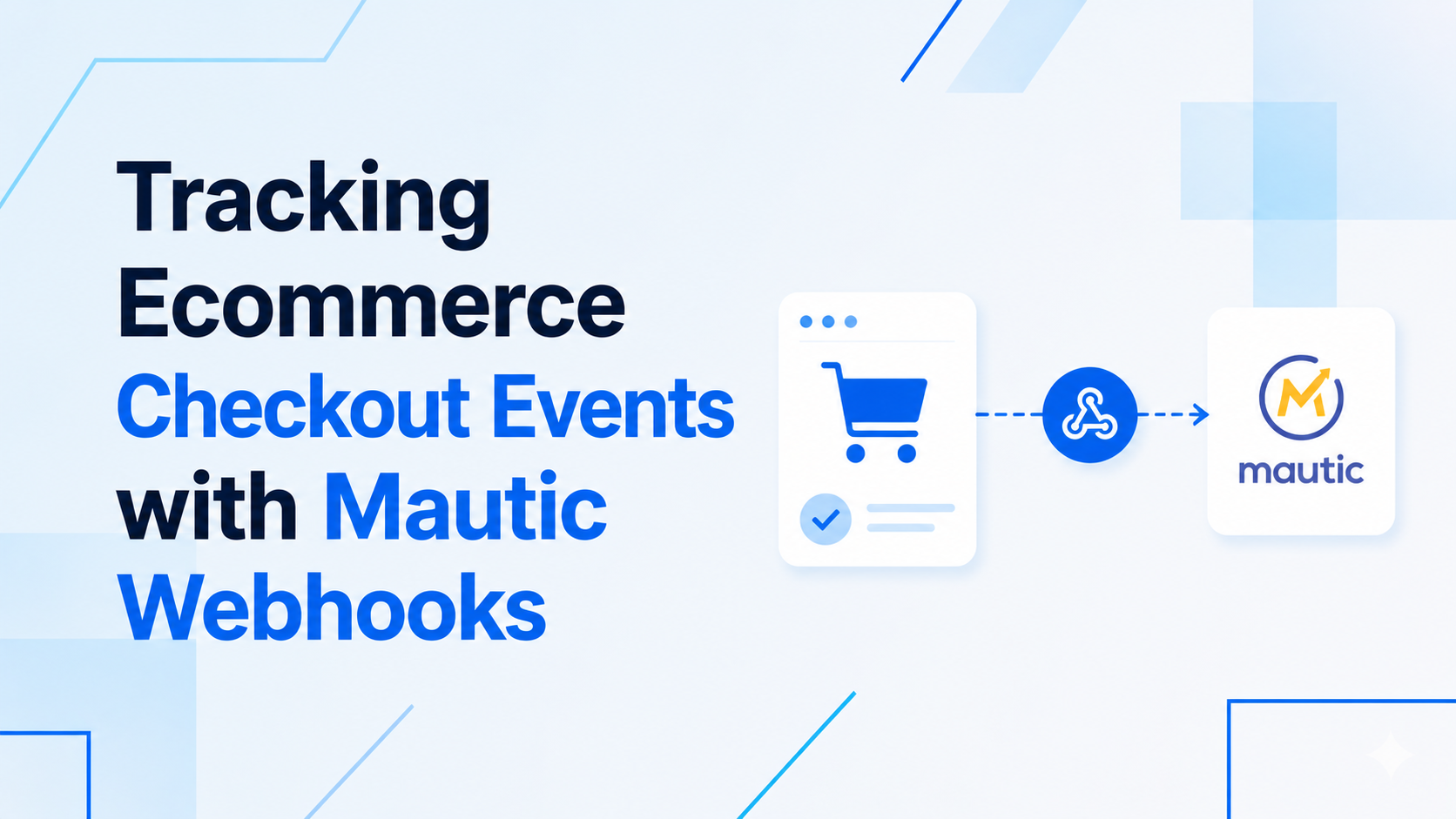
- Mautic sends a webhook to Laravel when the contact reaches a qualified score.
- Laravel creates a CRM lead, assigns an owner, and records the Mautic source campaign.
- When sales changes the lead status, Laravel queues a Mautic segment update.
- The CRM timeline shows key marketing events without overwhelming the salesperson.
The goal is not to duplicate Mautic inside the CRM. The goal is to surface the marketing context sales needs at the moment they need it.
Build Integration Logs for Support
Every integration eventually fails. An API key expires. A payload changes. A webhook signature breaks. A third-party system has downtime. Without logs, debugging becomes guesswork.
Store integration attempts with provider name, direction, related model, request reference, status, error message, and retry count. The admin panel should let a trusted user see failed syncs and retry them where safe.
This is especially important for CRMs because integration failures affect customer trust. A missed billing update or lost form submission can create awkward conversations later.
Protect Sensitive Data
CRM integrations often touch personal information, sales notes, payment status, and support history. Keep payloads minimal. Do not send every CRM field to every external tool. Use API tokens with limited permissions, verify webhook signatures, and avoid logging secrets in plain text.
Integration Checklist
- Decide source of truth for each data type.
- Use queued jobs for outgoing API sync.
- Store webhook events and process them idempotently.
- Keep detailed integration logs and retry controls.
- Surface external activity inside the CRM timeline only when useful.
- Protect sensitive fields and verify webhook signatures.
If your business needs CRM workflows connected to Mautic, email platforms, billing tools, or custom APIs, start with integration architecture. My backend API development services and Mautic customization services cover this kind of connected Laravel workflow.

Prakash Tank
Full-Stack Architect & Tech Enthusiast. Passionate about building scalable applications and sharing knowledge with the community.