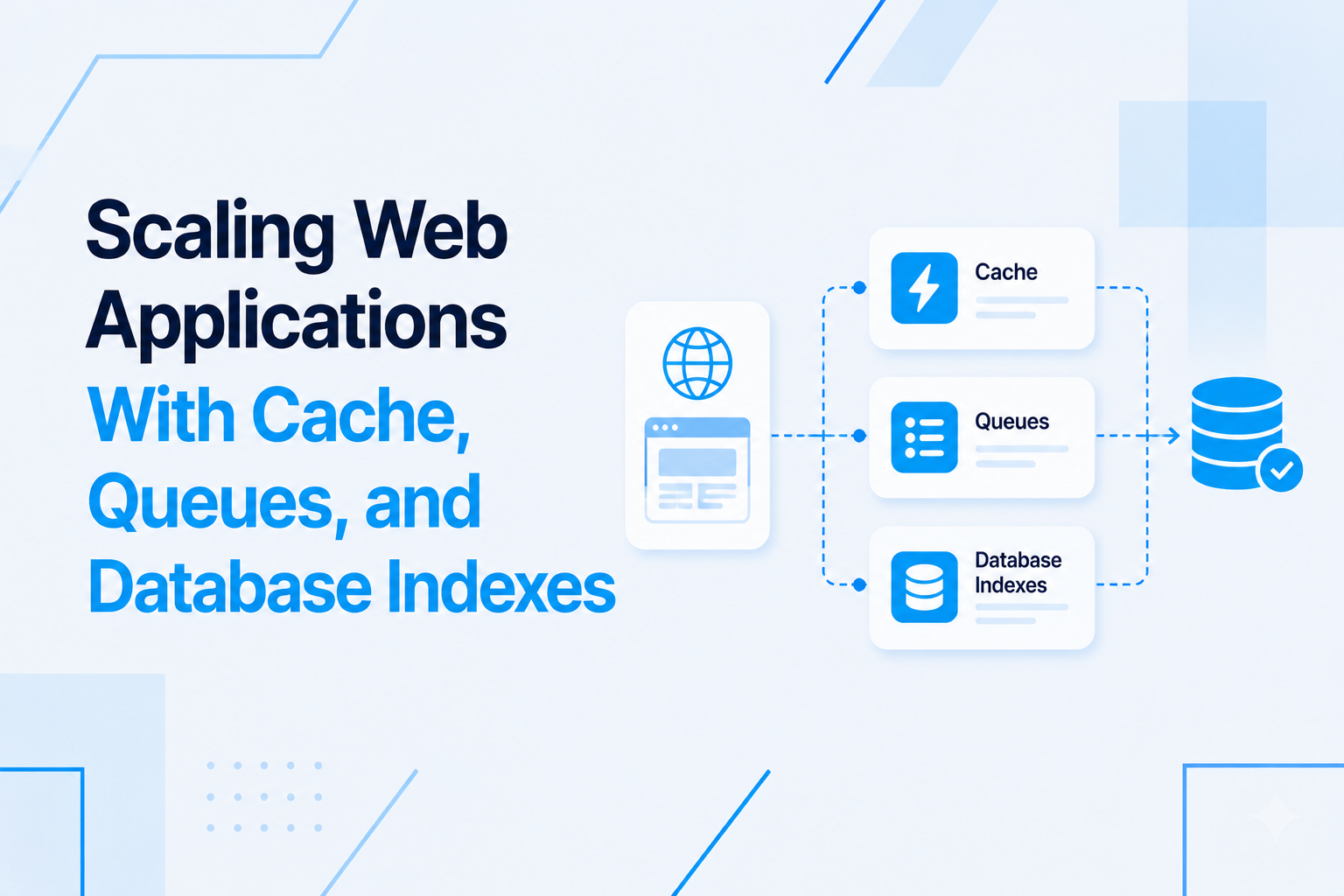
A Laravel REST API that performs well under light load and collapses under real usage is not a performance problem, it is an architecture problem. The behaviors that cause APIs to slow down under load — unoptimized queries, missing caches, synchronous processing of expensive tasks, and inefficient response payloads — are almost always decisions made early in the project that were not revisited when scale requirements became clear.
This article covers the performance techniques I apply to Laravel REST APIs that need to handle high request volumes reliably, and explains the reasoning behind each one.
Identify the Slow Paths Before Optimising
Performance optimization without measurement is guesswork. The first step in any API performance engagement is identifying which endpoints are slow, how slow they are, and under what conditions they slow down.
Laravel Telescope provides a development-environment tool for inspecting every query executed per request, along with timing information. Queries that take more than a few milliseconds or queries that are executed hundreds of times for a single API request are the immediate targets.
In production, slow query logging at the database level and application performance monitoring tools like Laravel Pulse, Sentry, or New Relic are the appropriate tools. These show you the actual P95 and P99 response times for real traffic, not just the happy path you test locally.
The practical rule: optimize the endpoints that are called most frequently and that have the highest response times. A dashboard endpoint that is called on every page load and takes 800ms to respond deserves more attention than an admin report that takes 2 seconds but is only run once a week.
The N+1 Query Problem: Most Common Performance Killer
The N+1 query problem is responsible for more Laravel API performance failures than any other single issue. It happens when your code loads a collection of records and then, for each record in the collection, executes an additional query to load a related model.
In a resource collection that returns orders with their customer details, without eager loading, Laravel executes one query to get the orders and then one additional query per order to get the customer. Fifty orders becomes fifty-one queries. Five hundred orders becomes five hundred and one queries. The response time scales linearly with the data set size.
The fix is eager loading with with():
Order::with(['customer', 'items', 'status'])->paginate(20);This executes three queries total regardless of how many orders are in the page: one for the orders, one for all the customers related to those orders, one for all the items. The response time no longer scales with data volume.
Check every API endpoint that returns related data. Confirm that all relationships are eager loaded in the query rather than lazy loaded in the resource class. Laravel Debugbar or Telescope will show you the query count per request, making N+1 problems immediately visible.
Database Indexing for API Query Patterns
Query optimization and indexing are two sides of the same problem. Eager loading reduces the number of queries. Indexing ensures that each of those queries runs efficiently against the database.
API endpoints typically filter, sort, and search across specific columns. A column used in a WHERE clause, an ORDER BY clause, or a join condition is a candidate for an index. Without an index, the database must scan every row in the table to find matching records. With an index, it jumps directly to the matching rows.
The columns to index first are the ones most commonly used in API filters:
- Foreign key columns (
user_id,order_id,category_id) — these are used in almost every join - Status or state columns used in filters (
status,type,is_active) - Date columns used in range filters (
created_at,completed_at) - Columns used in search (typically require full-text indexes or a search service for complex cases)
As data volume grows, query plans should be reviewed periodically. A query that ran efficiently at 10,000 records may need an additional composite index at 1,000,000 records because the query optimizer makes different decisions at different data scales.
Response Caching for Read-Heavy Endpoints
Many API endpoints return data that changes infrequently but is read very frequently. A product catalog. A list of countries or regions. Public configuration data. User preference settings that are loaded on every app launch. Executing a full database query for this data on every request wastes database capacity and increases response times unnecessarily.
Laravel's cache layer, backed by Redis in production, allows you to cache the result of an expensive operation and serve the cached version for subsequent requests until the cache expires or is invalidated.
For API responses, the caching strategy depends on whether the data is the same for all users or user-specific. Public data can be cached at the response level. User-specific data needs to be cached with a cache key that includes the user ID to avoid serving one user's data to another.
Cache invalidation is the hard part. When the underlying data changes, the cached version must be cleared. In Laravel, this is done by dispatching a cache invalidation event or calling Cache::forget() in the observer or event listener that handles the data change. A cache that is never invalidated serves stale data, which is often worse than no cache at all.
Queue Expensive Operations Instead of Blocking
Any API endpoint that triggers an expensive operation synchronously — sending emails, generating PDFs, calling third-party services, processing uploaded files — will have unpredictably slow response times because the response waits for the operation to complete.
The correct pattern is to accept the request, validate the input, queue the expensive operation as a background job, and return an immediate success response to the client. The client receives a fast, reliable response. The heavy work happens asynchronously in a queue worker.
For operations where the client needs to know the result, a job status endpoint allows the client to poll for completion, or a webhook or real-time notification delivers the result when the job completes. This keeps every API response fast and predictable regardless of how long the underlying operation takes.
Response Size: Only Return What Is Needed
Large response payloads increase transfer time, increase memory usage on both client and server, and slow down JSON parsing on mobile devices. Every field in an API response that the consuming application does not use is wasted bandwidth.
Laravel API Resources allow you to control exactly which fields are included in each response. Fields that are only needed in specific contexts can be conditionally included using whenLoaded() for relationships and when() for individual fields.
For list endpoints that return many records, the response should include only the fields needed for the list view. A detailed view of a single record can include the full field set. This pattern, sometimes called sparse fieldsets, significantly reduces payload sizes for list endpoints that could otherwise include large nested structures for every record in the collection.
HTTP Caching Headers for Repeat Requests
For public API data that changes infrequently, HTTP caching headers allow the mobile app or browser to cache the response locally and avoid making a server request entirely for subsequent fetches within the cache period.
The Cache-Control header instructs the client how long to cache the response. The ETag header provides a version identifier that allows the client to send a conditional request, receiving a 304 Not Modified response (with no body) if the data has not changed, rather than the full response. These mechanisms reduce both server load and mobile data usage for content that changes infrequently.
Load Testing Before Production Traffic
Performance assumptions should be validated before real users encounter them. Load testing a Laravel API with a tool like k6, Apache JMeter, or Locust simulates the volume of concurrent requests you expect in production and reveals the breaking points before they affect real users.
A typical load test scenario for a SaaS API: simulate the expected number of concurrent users, each making a realistic sequence of API calls (authenticate, fetch dashboard data, perform an action, fetch updated data). Measure response times at P50, P95, and P99 percentiles. Identify which endpoints degrade first as concurrency increases. Apply optimizations targeted at those specific endpoints and retest.
If you are building a Laravel REST API for a high-usage SaaS or mobile application and want the performance architecture to be right from the start, visit my Laravel API development services page to see how I approach API performance planning and optimization.

Prakash Tank
Full-Stack Architect & Tech Enthusiast. Passionate about building scalable applications and sharing knowledge with the community.