Launching a custom web application is only the beginning. The product still needs monitoring, bug fixes, data cleanup, security updates, performance work, customer feedback, and a roadmap that does not bury the app under rushed features.
This checklist covers how to maintain and scale a custom web application after launch.
Post-Launch Stabilization
The first weeks after launch should focus on stability and learning.
- Watch logs, failed jobs, slow pages, user feedback, and support requests.
- Fix high-impact bugs before adding optional features.
- Document repeated support questions and confusing workflows.
- Review whether users are completing the workflow the app was built for.
Monitoring And Support
Custom applications need visibility into production behavior.
- Monitor errors, API latency, database time, queue depth, disk/storage use, and scheduled jobs.
- Track failed emails, exports, imports, webhooks, and integrations.
- Keep support notes tied to modules, users, and workflows.
- Prepare incident steps for urgent production issues.
If hosting is part of the responsibility, include cloud infrastructure development.
Performance And Database Growth
Most scaling work starts with data access patterns.
- Review slow queries and repeated dashboard calculations.
- Add indexes for high-use filters, statuses, dates, and ownership fields.
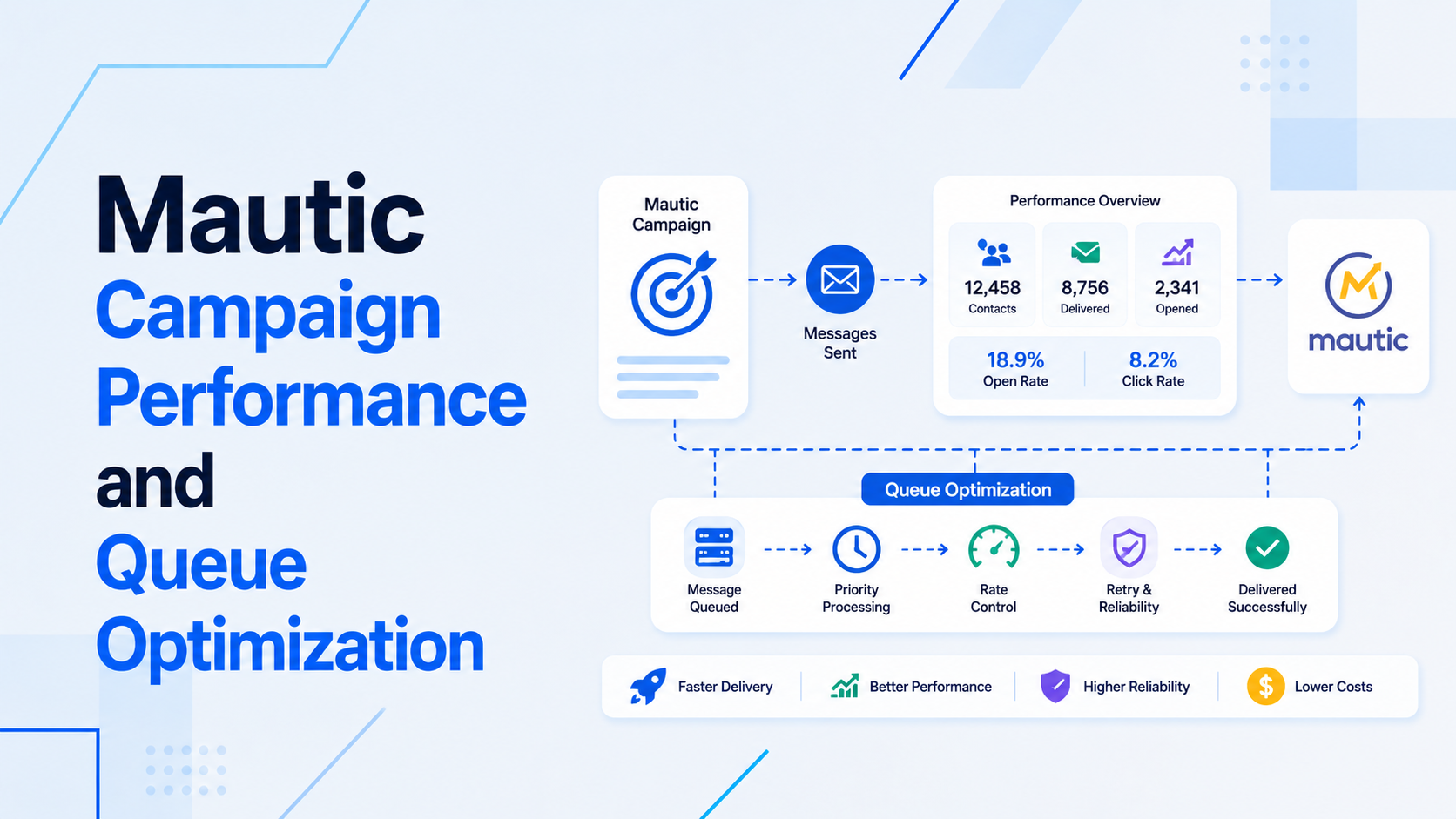
- Move large exports and reports into queues.
- Use caching only where freshness rules are clear.
- Archive or summarize old records where appropriate.
For data-heavy systems, plan database design and optimization.
Release And Roadmap Hygiene
Scaling also means protecting release quality.
- Use staging and smoke tests before production changes.
- Add tests around permissions, billing, APIs, imports, exports, and critical workflows.
- Keep release notes and rollback steps for risky deployments.
- Prioritize roadmap items based on customer value and operational risk.
For ongoing product delivery, review full-stack application development.
Security And Maintenance
- Apply framework and package updates on a predictable schedule.
- Review user roles, inactive accounts, sensitive exports, and admin access.
- Check backups and restore steps periodically.
- Audit file uploads, imports, API credentials, and webhooks.
Final Scaling Checklist
- Production issues are visible through logs and monitoring.
- Support feedback is converted into roadmap decisions.
- Database and dashboard performance are reviewed regularly.
- Queues handle slow and retryable work.
- Security updates, backups, tests, and deployment notes are maintained.
For custom app maintenance, start with backend API support, Laravel maintenance, or full-stack product support.

Prakash Tank
Full-Stack Architect & Tech Enthusiast. Passionate about building scalable applications and sharing knowledge with the community.