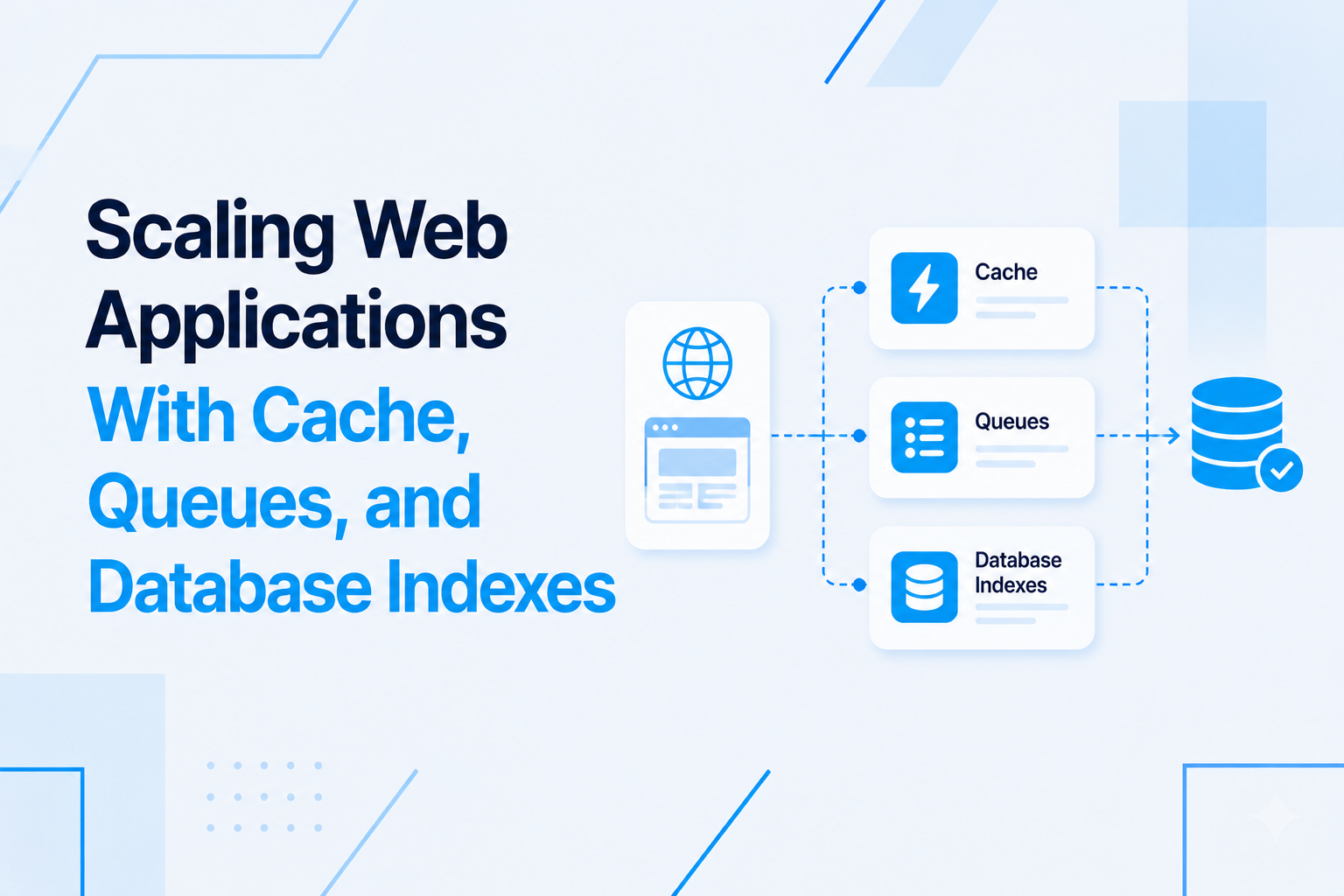
Node.js backend architecture is frequently discussed in terms of frameworks — Express versus Fastify versus Hapi — when the framework choice is actually among the least consequential decisions in building a scalable production backend. What determines whether a Node.js backend can handle real production load is the architecture around the framework: how requests are processed, how expensive work is deferred, how data is cached, and how the database is accessed.
This article covers the four structural components of a production Node.js backend that every engineering team needs to design deliberately rather than by accident.
The API Layer: Thin Routes, Rich Services
The API layer is the entry point for all external traffic. Its job is narrow: receive HTTP requests, validate input, delegate to the service layer, and format the response. Route handlers that contain business logic, database queries, or complex conditional processing are a symptom of a missing service layer.
The service layer contains the business logic. A service function is a plain JavaScript (or TypeScript) function that takes validated input, performs business operations (possibly calling multiple repositories, making third-party API calls, emitting events), and returns a result or throws a domain error. Service functions are framework-agnostic. They can be called from an HTTP route handler, a CLI script, a background job, or a test without modification.
This separation has a compounding benefit as the application grows. Business logic that lives in service functions is unit-testable without HTTP infrastructure. When a business rule changes, the change is made once in the service layer and propagates correctly to every caller — routes, jobs, scripts — without hunting through route handlers for duplicated logic.
Background Queues: Offloading Work That Does Not Need to Block the Response
Node.js is single-threaded. Long-running synchronous work blocks the event loop and prevents other requests from being processed. This is why background queues are not a performance optimization in Node.js — they are an architectural necessity for any backend that performs non-trivial work.
Bull (or its modern successor BullMQ) is the standard Node.js job queue library, backed by Redis for job persistence. When an API request triggers expensive work — sending emails, generating reports, processing uploaded files, calling slow third-party APIs, sending webhooks — the route handler creates a job in the queue and returns an immediate response to the client. A separate worker process picks up the job, processes it, and handles failure with retry logic.
Key design decisions for a production queue system:
- Separate worker processes: Worker processes should be separate from the API server process, not just separate worker threads. This allows them to be scaled independently — you can run more API servers or more queue workers based on where the bottleneck is.
- Job idempotency: Jobs must produce the same outcome if processed more than once. If a network failure causes a job to be retried after partial completion, the second execution must not send a duplicate email, charge a card twice, or create duplicate records.
- Dead letter queues: Jobs that fail after exhausting all retry attempts must go somewhere observable. A dead letter queue collects failed jobs so they can be investigated, fixed, and replayed rather than silently lost.
- Job priorities: Time-sensitive jobs (password reset emails, real-time notifications) should be processed before lower-priority background jobs (weekly report generation, data exports). BullMQ supports named priority queues for this purpose.
Redis: More Than a Cache
Redis is commonly described as a cache, but in a production Node.js backend it serves several distinct roles:
Application cache: Storing the result of expensive database queries or external API calls with a TTL. A product catalog query that takes 200ms against the database returns in under 1ms from Redis and does not touch the database at all for the cache duration. Redis cache is particularly effective for data that is read frequently, changes infrequently, and is the same for many users.
Session storage: Storing user session data for stateless API servers. Multiple API server instances can all read from the same Redis instance, making sessions available regardless of which server handles a given request. This is essential for horizontal scaling behind a load balancer.
Queue backend: Bull and BullMQ use Redis to persist job data, track job states, and coordinate between API servers and worker processes. Without Redis, the queue would lose all pending jobs if the server restarted.
Rate limiter backend: Distributed rate limiting across multiple API server instances requires a shared counter store. Redis's atomic increment operations make it the correct backend for production rate limiters that work consistently across a horizontally scaled deployment.
Pub/sub for real-time events: Redis pub/sub allows different Node.js processes to broadcast events to each other. When a background job completes and needs to notify a connected WebSocket client, the worker publishes an event to Redis and the API server (which holds the WebSocket connection) subscribes and forwards the notification.
Database Design for Node.js Backends
The choice of database for a Node.js backend is a consequence of the data model, not a preference for a particular technology. Node.js works equally well with relational databases (PostgreSQL, MySQL) and document databases (MongoDB). The architecture around the database matters more than the database itself.
For relational databases with Node.js, Prisma has become the most widely adopted ORM for TypeScript projects. It generates a fully typed client from the database schema, which means TypeScript can catch incorrect query patterns at compile time. Knex.js is the preferred choice for projects that need more control over raw SQL with a query builder without a full ORM.
Connection pooling configuration is more consequential in Node.js than in other environments because the asynchronous nature of Node.js can cause many concurrent requests to compete for database connections simultaneously. Configure pool minimum and maximum sizes based on expected concurrency and the database server's connection limits. A pool that is too small creates request queuing; a pool that is too large can overwhelm the database server.
Database migrations in production must be run as separate controlled processes before the application servers are started, not automatically at application startup. Automatic migration on startup causes race conditions when multiple instances start simultaneously and risks partial migrations if a startup fails mid-way.
Horizontal Scaling Considerations
A properly architected Node.js backend scales horizontally — adding more identical server instances behind a load balancer — without code changes. This requires that the application be truly stateless: no in-memory session storage, no in-memory cache that is not backed by a shared store, no in-process queues, no file system writes to local disk that other instances cannot read.
Review each stateful component in the application:
- Sessions stored in memory → move to Redis
- Queues in memory → move to BullMQ with Redis backend
- File uploads written to local disk → move to object storage (S3, R2, DigitalOcean Spaces)
- Application cache in memory → acceptable for process-local cache with short TTLs; use Redis for shared cache
- WebSocket connections → require sticky sessions or a Redis pub/sub coordination layer
If you are planning a Node.js backend architecture for a SaaS product or high-traffic application, visit my Node.js development services page to see how I approach scalable backend design.

Prakash Tank
Full-Stack Architect & Tech Enthusiast. Passionate about building scalable applications and sharing knowledge with the community.