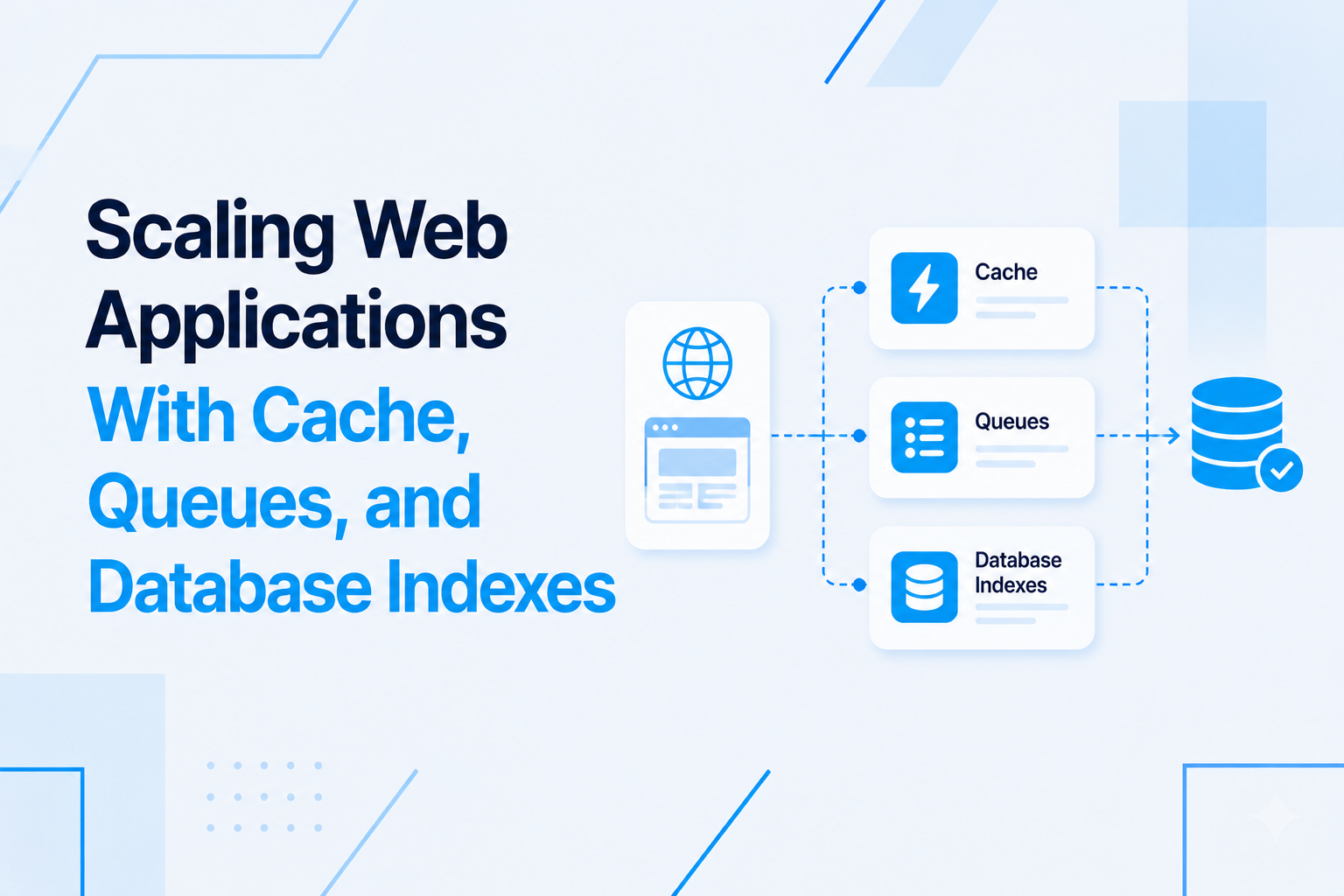
Background jobs are the part of a Node.js backend that nobody outside the engineering team ever sees, and the part that most reliably determines whether the system is trustworthy. When a user triggers an action — importing a CSV file, generating a report, sending an invoice, charging a subscription — the visible response is a success message that appears in under a second. The actual work happens invisibly, asynchronously, in a background job. If that job runs correctly every time, the user's experience is seamless. If it fails silently, data is lost, emails are not sent, charges do not go through, and the user has no idea anything went wrong until they notice the missing outcome days later.
Building a background job system that is genuinely reliable — one that handles failures correctly, retries safely, and never loses a job — requires specific architectural decisions at each layer.
BullMQ: The Production Job Queue for Node.js
BullMQ is the current standard for production job queues in Node.js. It uses Redis as its persistence layer, which means jobs survive process restarts, are distributed across worker processes reliably, and can be inspected and replayed through the Bull Board admin UI.
The core concepts in BullMQ:
- Queue: A named channel that holds jobs. You add jobs to a queue from your API or anywhere in your application.
- Worker: A process that picks up jobs from a queue and executes them. Multiple workers can process jobs from the same queue concurrently.
- Job: A unit of work with a name, a data payload, and configuration options (delay, priority, retry settings, TTL).
- Scheduler: A component that handles delayed jobs and repeating scheduled jobs (cron-style).
Separate queues for different job categories is a fundamental design decision. An email queue and a report-generation queue should be independent. If report generation is slow and backs up, it should not delay time-sensitive emails waiting behind it in the same queue. Priority queues take this further: define separate queues for high, medium, and low priority work and run more workers against the high-priority queue.
Retry Strategies: Handling Transient Failures
Transient failures — a brief network timeout, a momentary database connection issue, a third-party API rate limit hit — are inevitable in production systems. A job system that does not retry on failure permanently loses work every time any external dependency has a hiccup.
BullMQ supports configurable retry strategies per job type. The most production-appropriate strategy is exponential backoff with jitter: after the first failure, wait a short interval (e.g., 5 seconds) before retrying; after the second failure, wait longer (30 seconds); after the third, longer still (5 minutes). Adding random jitter (a small random offset added to each backoff interval) prevents multiple failed jobs from all retrying simultaneously and overwhelming the downstream system.
const queue = new Queue('emails', { connection });

await queue.add('send-invoice', { userId, invoiceId }, {
  attempts: 5,
  backoff: {
    type: 'exponential',
    delay: 5000, // 5 seconds initial delay
  },
});
Not all failures are transient. An email job that fails because the recipient's email address is malformed will fail on every retry — the underlying cause does not change. Job processors should distinguish between retryable errors (network issues, timeouts, rate limits) and non-retryable errors (invalid data, business rule violations). For non-retryable errors, the job should be moved to the dead letter queue immediately without exhausting all retry attempts.
Idempotency: Making Retries Safe
Retries introduce a new problem: if a job succeeds but the success acknowledgment is lost (due to a network failure between the worker and Redis), BullMQ may retry the job. The job then runs again for a second time, even though the first execution already completed. Without idempotency, this produces duplicate actions: two emails sent, two Stripe charges, two records created.
Idempotency means the job produces the same outcome regardless of how many times it runs. Designing for idempotency requires different strategies for different job types.
Database-level idempotency: Jobs that create records use a unique idempotency key derived from the job data. An invoice generation job includes the invoiceId in the job data and the database has a unique constraint on the invoice ID column. If the job runs twice, the second execution hits the unique constraint and fails with a "duplicate entry" error, which the job processor recognizes as a safe completion rather than a failure.
Status-check idempotency: Before performing an action, check whether it has already been completed. A "send invoice email" job checks whether the invoice's email_sent_at field is already populated. If it is, the job logs "already sent" and exits successfully without sending another email.
External API idempotency: When calling third-party APIs that support idempotency keys (Stripe, Braintree), generate a deterministic idempotency key from the job data and include it in the API request. If the same operation is submitted twice with the same idempotency key, the external system returns the result of the first operation rather than processing it again.
Dead Letter Queues: No Job Left Behind
A job that has exhausted all retry attempts and still failed cannot be discarded. It represents a failed business operation — a charge that was not processed, a report that was not generated, a notification that was not sent. This job must be preserved and made observable so the failure can be investigated and corrected.
BullMQ automatically moves failed jobs to a "failed" state after retries are exhausted. Configure the queue to retain failed jobs rather than discarding them, and monitor the count of failed jobs as an operational alert. When failed jobs accumulate, it signals a systematic failure (a third-party API that is down, a recurring data issue) that needs investigation.
The Bull Board admin UI provides a visual interface for inspecting failed jobs: viewing the error message and stack trace, the job data, and the number of attempts. Administrators can manually replay individual jobs after fixing the underlying cause or discard them if they are no longer relevant.
Scheduled Jobs: Replacing Cron With Queue-Managed Schedules
Many Node.js applications use cron jobs for recurring tasks — sending weekly digests, expiring old sessions, syncing external data, generating daily reports. System-level cron (running scripts via crontab) has two significant weaknesses: it does not retry on failure, and it does not provide visibility into job history.
BullMQ's repeatable jobs replace system cron with queue-managed schedules that have full retry support, visibility through Bull Board, and distributed execution (only one worker processes a given scheduled job at the scheduled time, even if multiple worker instances are running). A repeatable job is defined with a cron expression and runs on the schedule using the queue's worker infrastructure.
Monitoring the Queue: What to Watch
The operational health of a job queue is measured by four metrics:
- Queue depth: The number of jobs waiting to be processed. A growing queue depth indicates workers cannot keep up with the rate of job creation and may need scaling.
- Processing time: The time from job creation to job completion. Increasing processing times indicate a bottleneck in the job processor or the services it calls.
- Failed job rate: The number of jobs that fail per unit time. A sudden increase signals a systematic problem requiring immediate investigation.
- Stalled jobs: Jobs that were started by a worker but never acknowledged as complete (due to a worker crash). BullMQ detects stalled jobs automatically and re-queues them for processing.
If you are building a Node.js backend that needs reliable background job processing for critical operations, visit my Node.js development services page to learn how I design and implement production queue systems.

Prakash Tank
Full-Stack Architect & Tech Enthusiast. Passionate about building scalable applications and sharing knowledge with the community.