Building a React admin panel for a real business application is a different problem from building a consumer-facing UI. The aesthetic requirements are less demanding, but the functional requirements are more complex. Business users need to enter structured data reliably, explore large datasets efficiently, understand trends from charts without misinterpretation, and operate within clear role boundaries. Getting any of these wrong creates real operational problems.
This article covers the four categories of UI that every business admin panel needs: forms, tables, charts, and permission rendering. Each has its own set of decisions that determine whether the implementation scales or struggles.
Forms: Controlled, Validated, and Incrementally Disclosed
Admin forms in business applications are rarely simple. They often have twenty or more fields, conditional logic (showing additional fields based on earlier selections), complex validation rules (fields that are required only if another field has a certain value), and async validation (checking whether a value is unique in the database before the form is submitted).
React Hook Form is the most practical library for this complexity. It uses uncontrolled inputs under the hood, which means re-rendering is minimised to the specific fields that change rather than the entire form. This makes a large form feel responsive even on modest hardware. It integrates with Zod for schema-based validation, which means validation rules are defined as a typed schema and reused both on the frontend and, if using TypeScript end-to-end, validated against the same shape on the backend.
Conditional field visibility is best implemented by watching specific field values using React Hook Form's watch function and conditionally rendering fields based on those values. The registered field is unregistered when hidden, which means hidden fields do not submit values and do not trigger validation — the correct behavior for business forms where irrelevant fields should genuinely not be validated.
For forms with many fields, progressive disclosure — showing a subset of fields initially and revealing more as the user progresses — reduces cognitive load significantly. Multi-step forms using a step state variable and section-level validation before proceeding to the next step are well-suited to complex data entry workflows like creating a new client record with account details, contact details, billing details, and preferences across separate steps.
Tables: Server-Side, Filterable, and Exportable
The table is the most common UI element in any admin panel, and it is also the most frequently under-engineered. A table that loads all data client-side will work in a demo with fifty records and become unusable in production with five thousand.
Every table in a business admin panel that displays potentially large datasets must use server-side pagination, filtering, and sorting. The table component sends the current page number, page size, sort column, sort direction, and any active filters to the API. The API returns only the data for the current page along with the total record count. The table never holds the full dataset in memory.
TanStack Table (formerly React Table) is the most capable library for this in React. It handles column definitions, sorting state, filter state, and row selection with a headless approach — it provides the logic but not the markup, so you build the visual table using whatever HTML and CSS fits your design system. The column definition object allows you to specify which columns are sortable, which are filterable, how to render custom cell content (a formatted date, a status badge, an action menu), and which columns appear in which viewport sizes.
Inline editing — allowing a user to click a cell and edit its value directly without opening a full form — is a pattern that business users often request. It significantly speeds up bulk data corrections. TanStack Table supports this through editable cell renderers that replace the display value with an input field on click, submit on blur or Enter key, and revert on Escape key.
Export functionality, specifically CSV and Excel export of the current filtered and sorted dataset, is expected in almost every admin panel. Implement exports as server-side operations where the API generates the export file for the current filter state and streams it to the browser. Client-side exports using JavaScript libraries work for small datasets but fail silently for large ones when the browser runs out of memory.
Charts: Correct Representation of Business Data
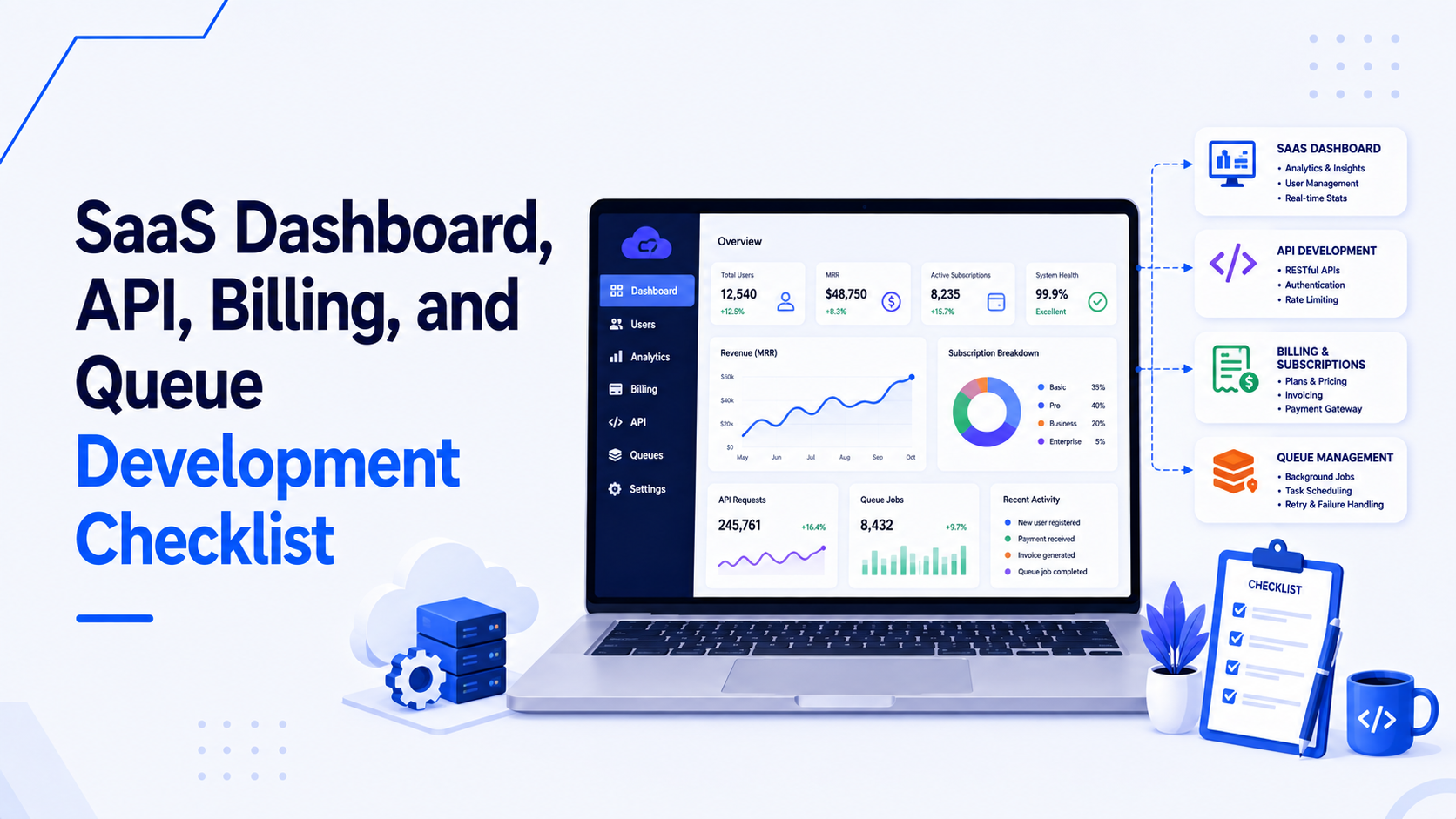
Charts in admin panels are used to communicate trends, comparisons, and distributions. The most common mistake is choosing a chart type that misrepresents the data.
A line chart is correct for data that changes continuously over time — daily revenue, weekly active users, hourly API error rates. A bar chart is correct for comparing discrete categories — sales by region, support tickets by type, orders by product category. A pie or donut chart is correct only when you have fewer than five segments and the segments add up to a meaningful whole. Using a pie chart to display monthly performance across twelve months is a misuse of the format.
For React, Recharts provides a good balance between ease of use and customisability for most business charting needs. For more complex or high-data-volume charts, ECharts (via the echarts-for-react wrapper) handles larger datasets more gracefully with canvas-based rendering.
Every chart needs a title that states what is being measured, axis labels with units, and a visible legend when multiple datasets are compared. Charts that rely on color alone to distinguish datasets fail for users with color vision deficiencies. Use distinct line styles (solid, dashed, dotted) in addition to color, or add data labels directly on the chart elements.
Permissions: Rendering the Right Interface for Each Role
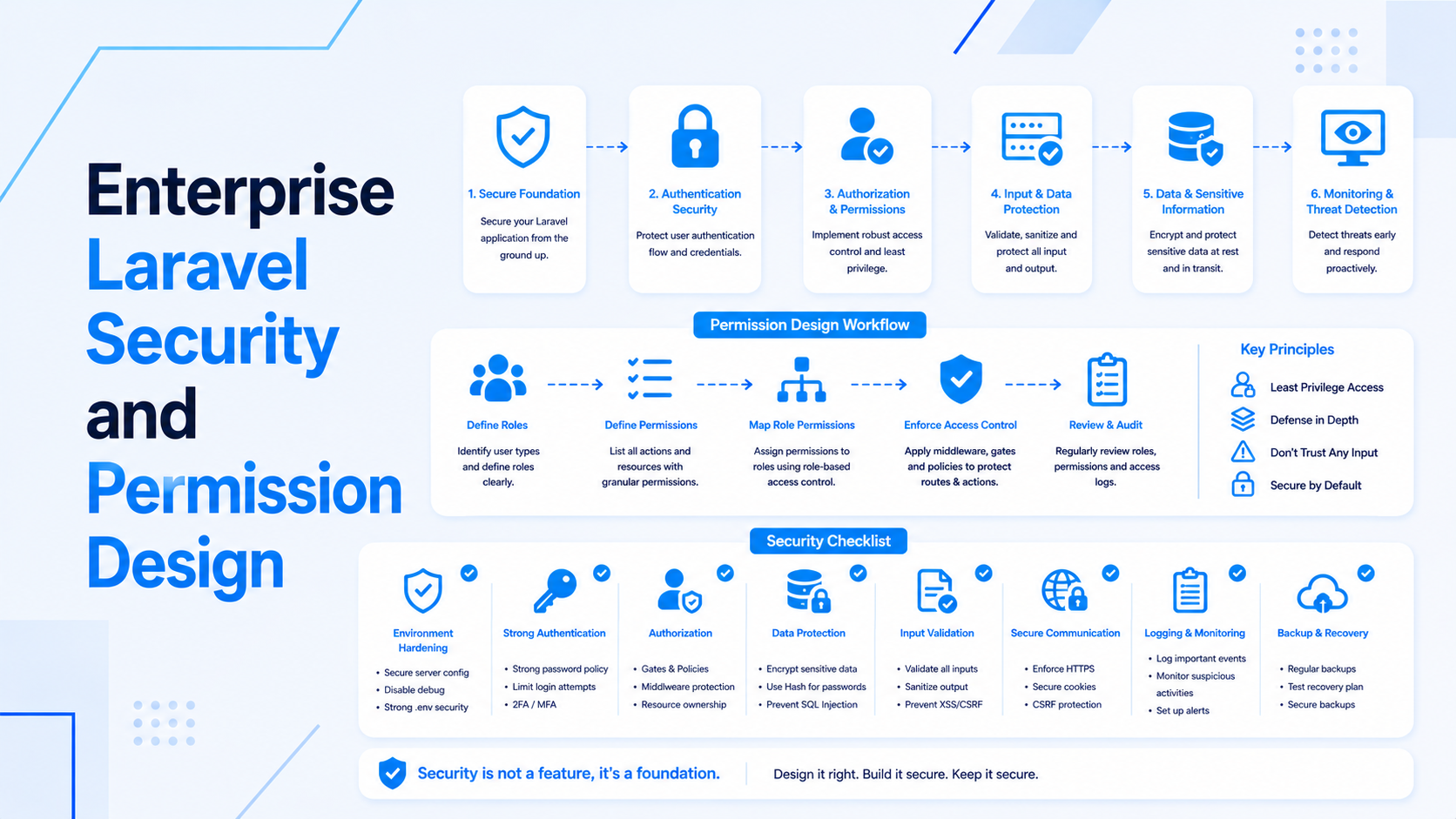
An admin panel that shows every user the same interface and relies on API-level rejection to enforce access control is producing a confusing and unprofessional experience. A finance team member who sees a "Delete User" button that always returns "Access Denied" will eventually file a support ticket or, worse, assume there is a bug.
The correct approach is conditional rendering based on permissions: buttons, menu items, and entire sections only appear for users who are permitted to use them. This requires a permission checking mechanism that is available to any component in the application.
A custom hook is the cleanest pattern for this:
const { can } = usePermissions();

{can('delete-users') && (
  <button onClick={handleDelete}>Delete User</button>
)}
The usePermissions hook reads the authenticated user's permission list from the session context and returns a can function that checks whether a specific permission string is in that list. The permission list is fetched from the API on login and stored in the global auth context. Every conditional render in the application goes through this single hook, which means changing a permission rule requires updating only the hook's implementation, not every component that uses it.
For row-level permissions — where a user can edit their own records but not other users' records — the API must enforce this as the authoritative rule. The frontend hides the edit option for records the user does not own as a usability improvement, but the API always validates permission on the server side regardless of what the frontend renders.
If you are building a React admin panel for a business application and want a solid foundation for forms, tables, charts, and permissions, visit my React and Next.js development services page to see how I approach admin panel projects.

Prakash Tank
Full-Stack Architect & Tech Enthusiast. Passionate about building scalable applications and sharing knowledge with the community.