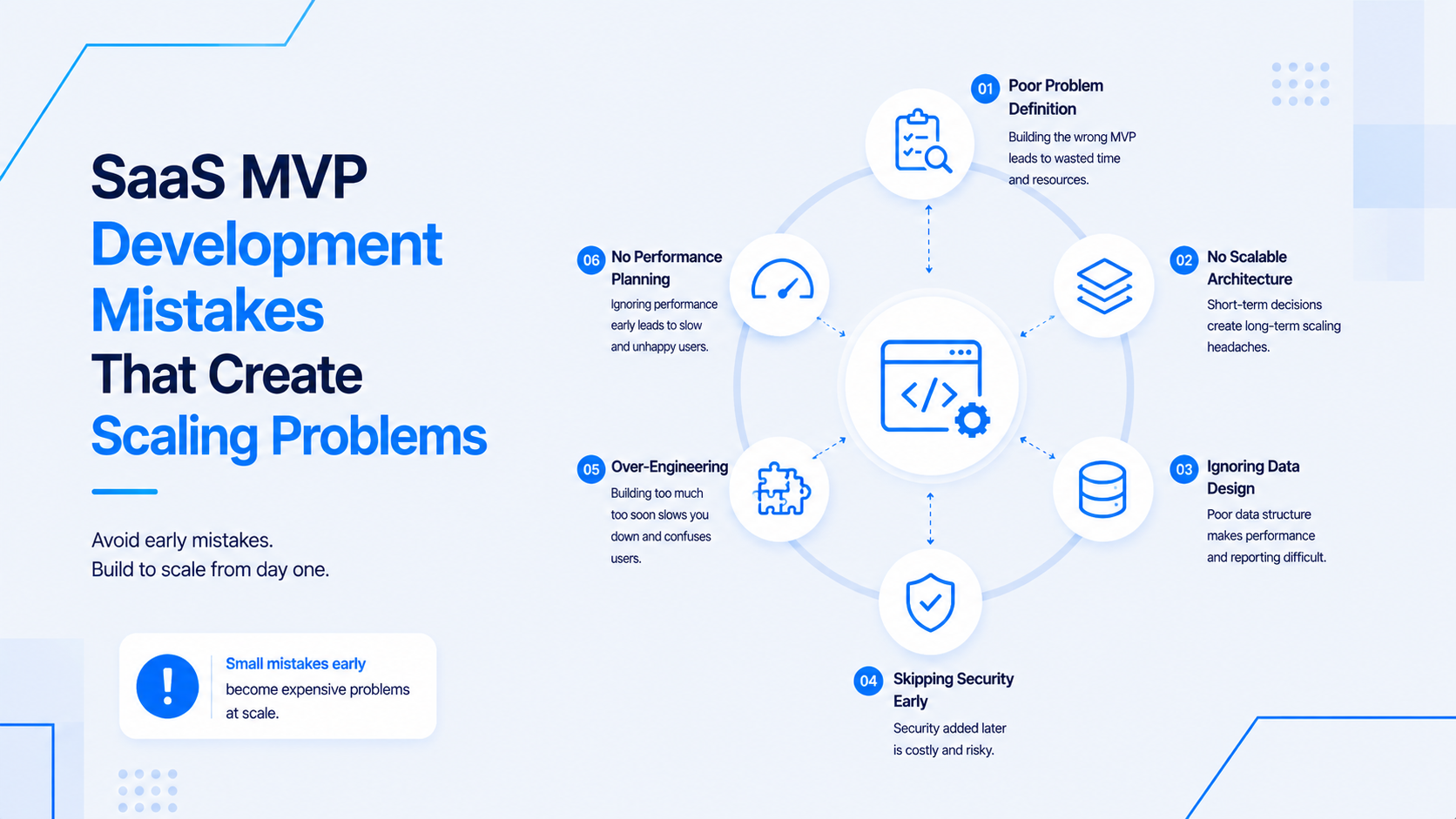
Speed is the highest priority for an MVP. But there is a critical difference between taking intelligent shortcuts that can be fixed later and making fundamental architectural mistakes that create catastrophic technical debt within 12 months of launch.
Here are the most common SaaS MVP mistakes that founders and their developers make, and why they are so dangerous.
1. Storing Session State in Application Memory
The Mistake: Storing user session data in the server's RAM (e.g., using Node's default in-memory session store, or not configuring Laravel's session driver).
Why it Kills Scaling: This works perfectly when you have one server. But the day you spin up a second server to handle more traffic, User A might be logged in on Server 1 but their request hits Server 2, which has no record of their session. The user gets randomly logged out. Load balancing becomes impossible.
The Fix: Configure the session driver to use Redis from day one. In Laravel, set SESSION_DRIVER=redis in your .env. In Node.js, use connect-redis with your Express session middleware. This costs 30 minutes of setup and solves a future multi-million dollar scaling problem.
2. The N+1 Database Query Problem
The Mistake: Querying the database in a loop without eager loading related data.
Example (Laravel): Fetching a list of 100 invoices and then, in the Blade template, calling $invoice->customer->name. This runs 1 query for the invoices + 100 queries for each customer = 101 queries for one page load.
Why it Kills Scaling: With 10 users, this is a minor slowness. With 10,000 users, this brings the database to its knees.
The Fix: Always use eager loading. In Laravel: Invoice::with('customer')->get(). Install Laravel Debugbar in your development environment to flag N+1 issues automatically before they hit production.
3. Storing File Uploads on the Local Server
The Mistake: Saving user-uploaded files (avatars, documents, images) to a local directory on the web server (e.g., storage/app/public/uploads).
Why it Kills Scaling: When you add a second server, it does not have the same files as the first. User A uploads a profile photo on Server 1, but when their next request hits Server 2, the photo is missing. Additionally, local disk storage is finite, expensive to back up, and lost forever if the server is terminated.
The Fix: Use an object storage service like AWS S3 or DigitalOcean Spaces from the very first file upload in development. In Laravel, configure the s3 filesystem driver. In Node.js, use the @aws-sdk/client-s3 package. The files live independently of your servers, scale infinitely, and cost cents per GB.
4. No Database Indexes on Searchable Columns
The Mistake: Letting users search and filter data by columns that have no database index (e.g., WHERE email = ? on a non-indexed email column).
Why it Kills Scaling: With 100 rows, a full table scan is imperceptible. With 10 million rows, the same query takes 30 seconds and your database server's CPU hits 100%.
The Fix: Any column that appears in a WHERE clause, JOIN condition, or ORDER BY must have a database index. Add these to your Laravel migrations: $table->index('email') or $table->index(['organization_id', 'created_at']). This is a 5-minute task per migration.
5. Hardcoded Configuration Values
The Mistake: Putting API keys, database passwords, or feature flags directly into the source code.
Why it Kills Scaling: This is a security catastrophe waiting to happen. When the codebase is shared with a second developer or open-sourced, all credentials are leaked. Rotating an API key requires redeploying the entire application.
The Fix: Use environment variables (.env files) for ALL configuration, never the codebase. Use a secret management service like AWS Secrets Manager or Doppler in production to ensure secrets are rotated without code changes.
Avoiding these mistakes requires an experienced developer who has built production SaaS applications before. If you want to get your MVP right the first time, visit my hire full-stack developer India page.

Prakash Tank
Full-Stack Architect & Tech Enthusiast. Passionate about building scalable applications and sharing knowledge with the community.