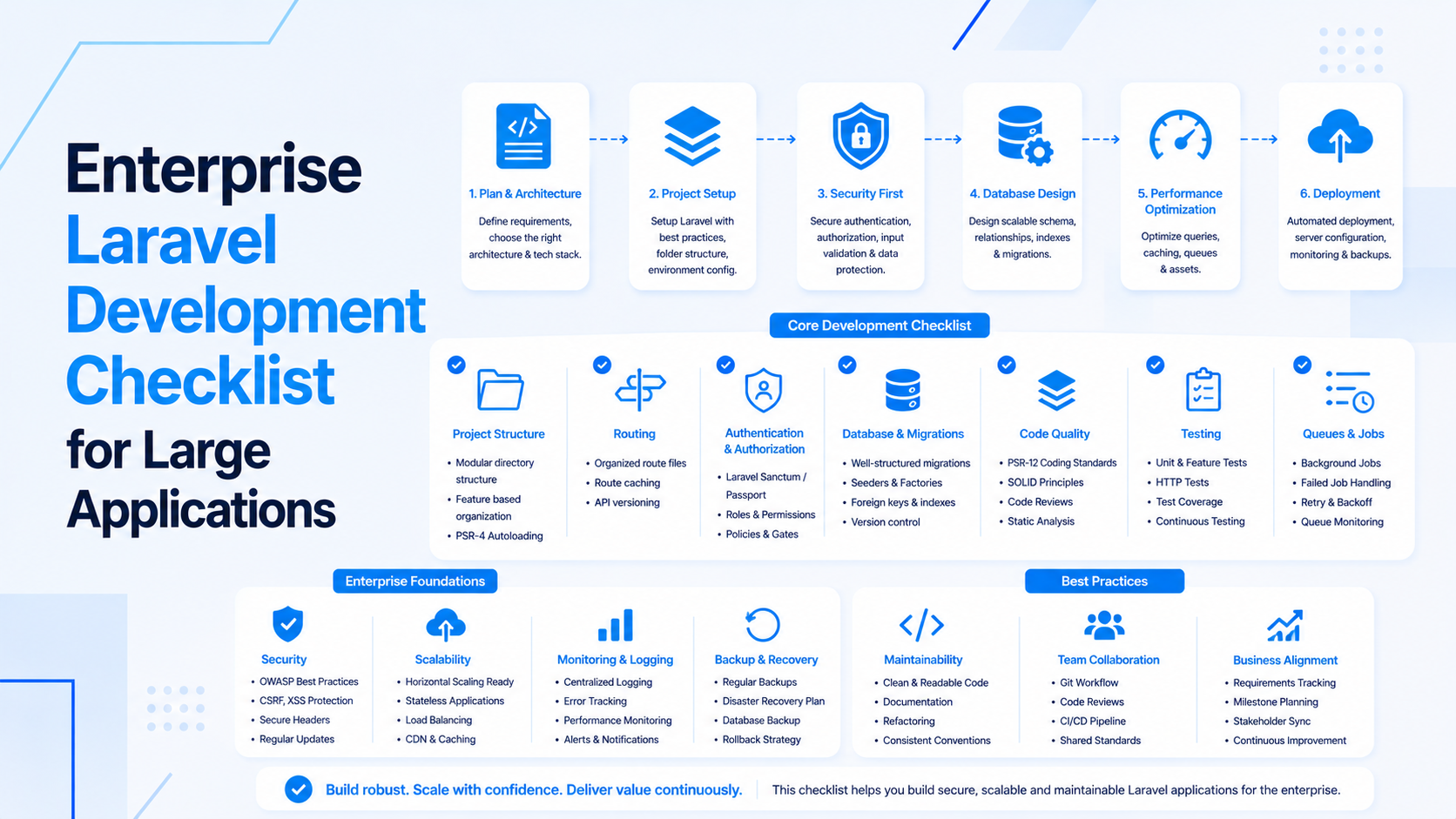
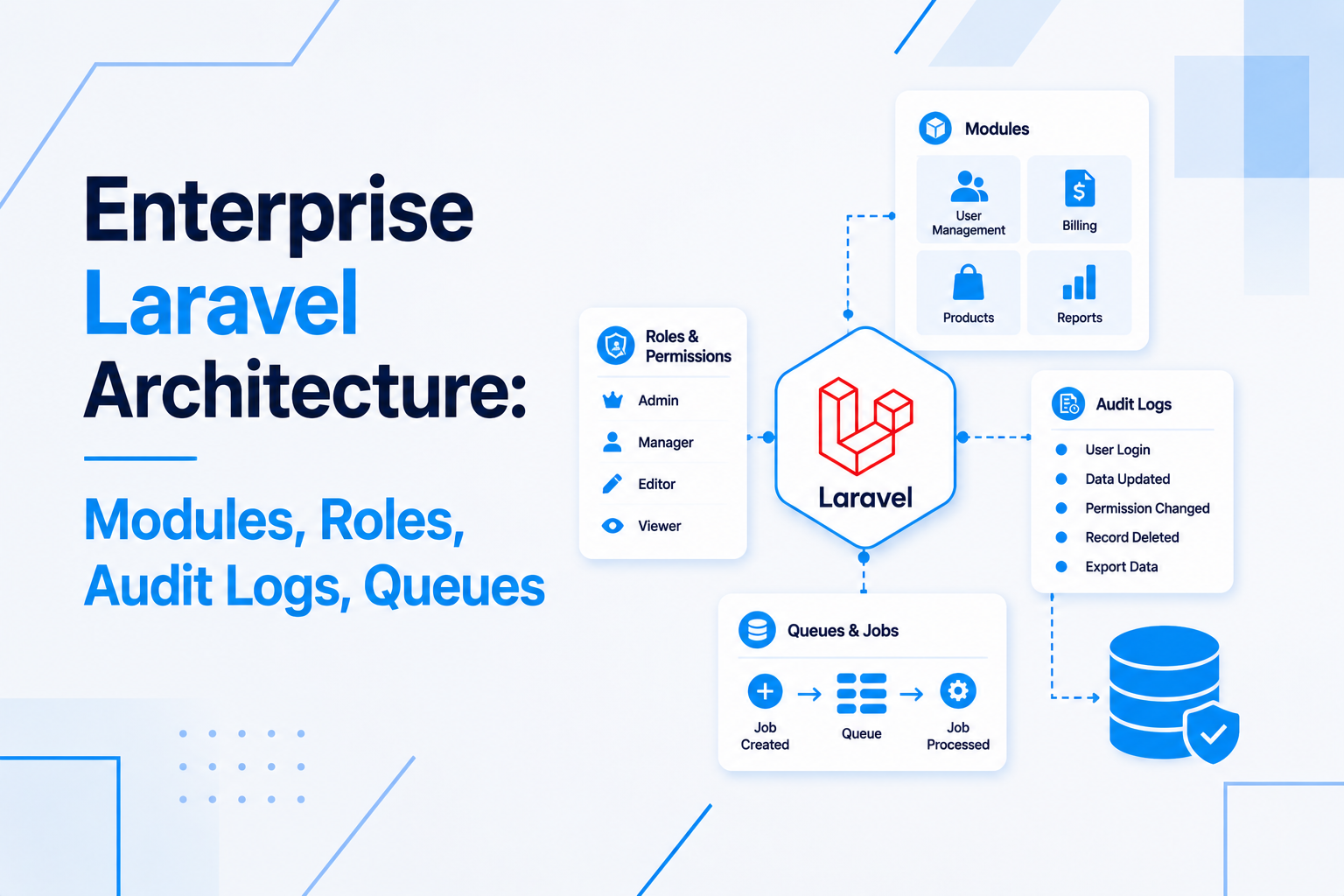
Discovery is the step that turns a custom web application idea into a buildable plan. It clarifies the business goal, workflow, users, data, integrations, risks, and launch scope before development begins.
A good discovery phase does not need to be heavy. It needs to expose the decisions that would otherwise become expensive surprises during development.
Define The Business Goal
Start with the business outcome, not the feature list. A custom app should exist because it improves a process, creates visibility, reduces manual work, or enables a new product workflow.
- What problem does the application solve?
- What process is currently slow, manual, risky, or hard to track?
- What measurable outcome should improve after launch?
- Who owns the business decision for scope and priority?
- What would make the first version successful?
If the build needs end-to-end ownership, align discovery with full-stack web application development.
Map The Current Workflow
The current workflow shows what the application must replace, automate, or improve.
- List each step from request or signup to final outcome.
- Identify who performs each step.
- Record approvals, handoffs, notifications, and exceptions.
- Document spreadsheets, forms, emails, calls, or manual tools currently used.
- Highlight where mistakes, delays, or duplicate work happen.
This step helps decide whether the project needs a simple module, a full operations dashboard, or deeper backend automation.
Identify Users, Roles, And Permissions
Custom applications become easier to design when user roles are clear.
- List internal users, customers, vendors, partners, admins, and support staff.
- Define what each role can create, view, update, approve, export, and delete.
- Identify sensitive actions that need logging or approval.
- Decide whether users belong to teams, branches, organizations, or accounts.
- Keep permission rules simple enough for the first release.
Data Discovery Checklist
Data decisions affect database design, imports, search, reporting, and integrations.
- What records does the application manage?
- Which fields are required, optional, searchable, filterable, or exportable?
- What statuses or lifecycle stages does each record move through?
- What historical data must be imported or preserved?
- What audit logs, attachments, comments, or activity history are needed?
For complex data or reporting requirements, include database design and optimization in the project plan.
Integration Discovery
Integrations should be identified early because they often control timeline and risk.
- Payment gateways, accounting, ERP, CRM, marketing automation, shipping, or notification tools.
- API credentials, sandbox availability, rate limits, and webhook support.
- One-way sync, two-way sync, real-time updates, or scheduled imports.
- Error handling, retries, logs, and manual correction process.
- Who owns access and support for each external system.
For integration-heavy products, plan backend API development before frontend implementation locks assumptions.
Dashboard And Reporting Discovery
Dashboards should be built around decisions and operational visibility.
- Which questions should the dashboard answer every day?
- Which reports are needed for managers, admins, or customers?
- Which metrics need date filters, status filters, or exports?
- Which reports can be generated in the background?
- Who can see each metric or export?
For frontend dashboards, review React and Next.js development.
Scope And MVP Decisions
Discovery should separate the first useful release from the future roadmap.
- Must-have workflows for launch.
- Features that can wait until users validate the process.
- Manual admin steps that are acceptable for version one.
- Risks that require a prototype or technical spike.
- Acceptance criteria for each core module.
Compare this with the custom web application development checklist before finalizing scope.
Technical Risk Review
Some risks should be found before the estimate is treated as final.
- Existing legacy systems or databases that must be integrated.
- Unclear third-party APIs or missing sandbox access.
- Large imports, exports, or reporting workloads.
- Security, compliance, data retention, or audit requirements.
- Deployment, hosting, backup, monitoring, and queue worker needs.
If infrastructure is part of the build, include cloud infrastructure development early.
Discovery Output Checklist
- Business goal and success criteria.
- User roles and permission matrix.
- Workflow map and module list.
- Data model notes and reporting needs.
- Integration list with risks and access requirements.
- MVP scope, later roadmap, assumptions, and open questions.
- Launch, support, and deployment requirements.
Final Discovery Advice
Discovery should make the project smaller, clearer, and easier to estimate. If every feature remains equally important after discovery, the work is not finished yet.
If you are preparing a custom application project, start with full-stack custom web application development, then translate discovery into Laravel, React, API, database, and cloud implementation steps.

Prakash Tank
Full-Stack Architect & Tech Enthusiast. Passionate about building scalable applications and sharing knowledge with the community.