Modernizing a Laravel app with a React frontend can improve product speed, interface quality, and frontend maintainability. But it can also create a risky half-rewrite if the API boundary, authentication, routes, and rollout plan are not clear.
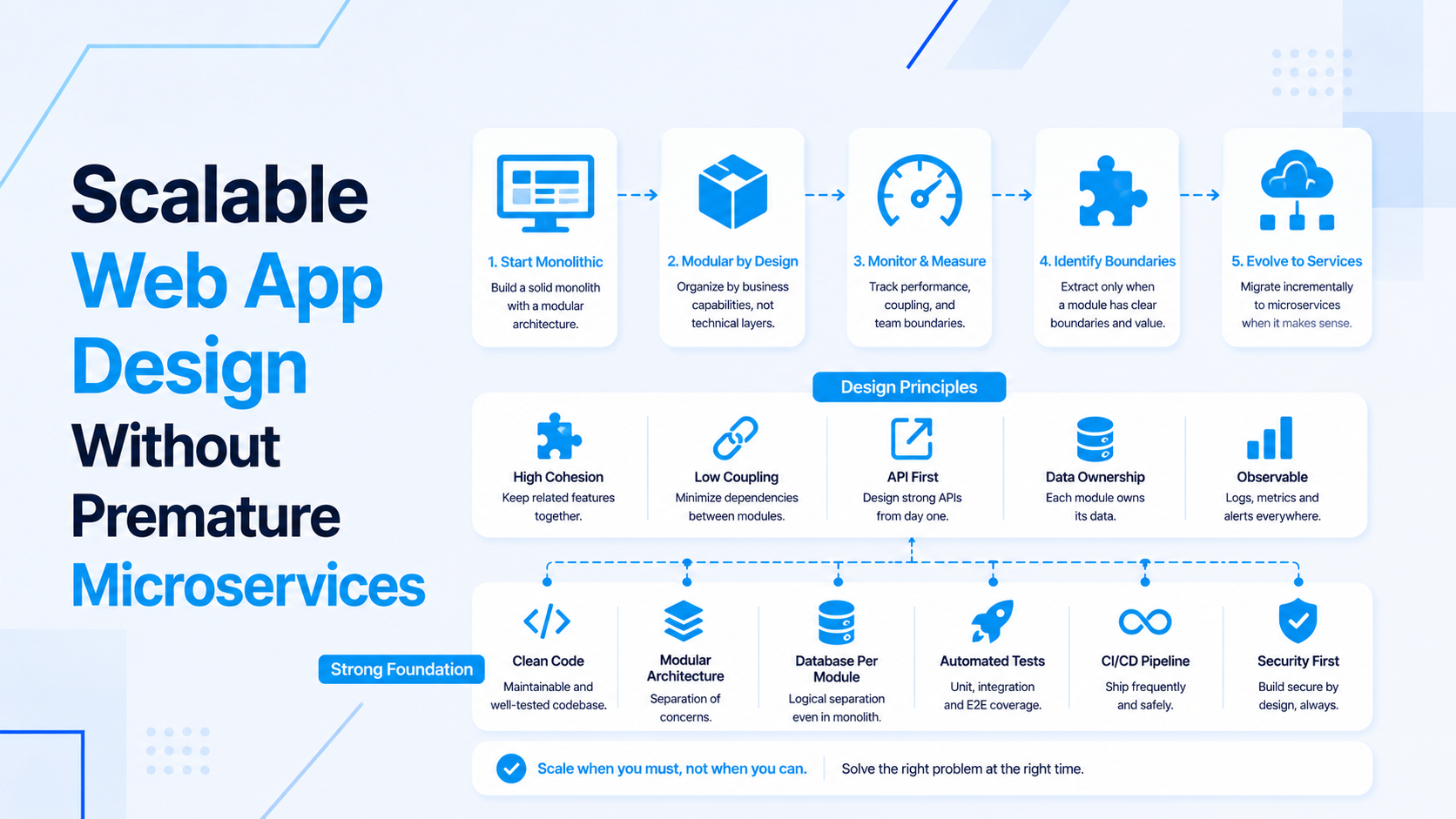
The safest modernization path is usually phased. Keep the Laravel product stable, move the right screens to React first, build predictable API contracts, and protect existing workflows with tests before changing too much at once.
Start With The Reason For React
Do not add React only because the current app feels old. Define the product reason first.
- Complex dashboards need richer filtering, tables, charts, or drill-downs.
- Forms need better validation feedback, autosave, or multi-step behavior.
- Admin workflows need faster interaction without full page reloads.
- The frontend needs reusable components across multiple product areas.
- A separate frontend team or future mobile app needs cleaner API boundaries.
- The current Blade UI is difficult to maintain as the product grows.
If React does not solve a real workflow problem, improve the existing Laravel UI first. Modernization should reduce product friction, not only change the technology label.
Review The Existing Laravel App First
Before adding React, understand the Laravel codebase. A weak backend becomes more visible once React depends on APIs.
- Identify core workflows, risky modules, and business-critical screens.
- Check controllers for mixed validation, business logic, and response rendering.
- Review database queries, indexes, relationships, and slow reports.
- Map current auth, roles, permissions, and admin actions.
- List third-party integrations, webhooks, queued jobs, and scheduled commands.
- Document which screens are good React candidates and which should stay stable for now.
For a structured review, use the existing Laravel product codebase review checklist.
Choose A Modernization Strategy
There are multiple ways to introduce React into a Laravel app. The right choice depends on the codebase, team, and product risk.
- React islands: Add React to selected Blade pages for interactive widgets or complex forms.
- Module-by-module migration: Rebuild one admin or product module at a time with React and Laravel APIs.
- Separate frontend app: Use React as a standalone frontend that consumes Laravel as an API backend.
- Hybrid transition: Keep stable Blade pages while new product areas move to React gradually.
A phased strategy is usually safer than rewriting every screen at once.
Define API Boundaries
React needs predictable APIs. Laravel should expose product behavior, not leak database structure.
- Design endpoints around workflows: list, detail, create, update, delete, action, export, or report.
- Use Form Requests or structured validation for API inputs.
- Return predictable validation and permission errors.
- Keep response shapes stable for React components.
- Separate internal admin APIs from public or customer-facing APIs.
- Document filters, pagination, sorting, and date ranges.
For deeper API planning, review backend and API development and the Laravel React API/auth/UI architecture guide.
Plan Authentication And Permissions
Auth changes are one of the easiest ways to break a modernization project. Keep Laravel as the source of truth for access control.
- Decide whether React uses existing session auth, Laravel Sanctum, tokens, or another approach.
- Protect all backend actions with middleware, policies, gates, or permission checks.
- Expose permission context to React only for UI behavior, not security enforcement.
- Handle expired sessions, unauthorized responses, and login redirects clearly.
- Test account switching, admin actions, billing screens, and sensitive exports.
Move The Right Screens First
Choose first React screens that prove value without risking the whole product.
- Good first candidates: dashboards, filters, reporting tables, multi-step forms, internal tools, and admin workflows.
- Risky first candidates: billing, checkout, auth, permissions, and workflows with many hidden side effects.
- Stable low-value pages can remain in Blade until there is a strong reason to move them.
- Start with one module that has clear acceptance criteria and measurable UX improvement.
For SaaS dashboard work, see Laravel React dashboard architecture for SaaS products.
Protect The Product With Tests
Modernization changes how users interact with existing behavior. Tests help make sure the new frontend did not change business rules accidentally.
- Add Laravel feature tests around critical API endpoints.
- Test validation, permissions, and important workflow actions.
- Protect billing, exports, admin actions, and data-changing endpoints.
- Smoke-test React screens for loading, empty, error, and success states.
- Use manual QA checklists for areas that are not automated yet.
Deployment And Rollout Plan
Modernization should be deployable in small steps. Avoid one large release that replaces every workflow at once.
- Deploy React modules behind clear routes or feature flags where useful.
- Keep old pages available until the new flow is verified.
- Build frontend assets consistently in deployment.
- Run Laravel migrations safely and restart queue workers when needed.
- Monitor logs, failed jobs, API errors, and user-reported frontend issues after release.
- Record rollback steps for each migrated module.
For production release ownership, combine the work with cloud infrastructure development.
Common Modernization Mistakes
- Rebuilding every page before proving one module works.
- Using React to duplicate business rules that Laravel should enforce.
- Changing auth and UI architecture at the same time without tests.
- Returning inconsistent API errors that make React forms difficult to maintain.
- Ignoring database performance until dashboards are already slow.
- Removing stable Blade workflows that did not need to change yet.
Final Modernization Checklist
- The reason for React is tied to product workflow improvement.
- The existing Laravel codebase has been reviewed first.
- The modernization strategy is phased, not a blind rewrite.
- API contracts, auth, permissions, and validation are planned before major UI work.
- The first React module is valuable but controlled in risk.
- Tests and rollback steps protect the existing product.
If you need help modernizing a Laravel app with React, start with full-stack developer support, Laravel development, or React frontend development.

Prakash Tank
Full-Stack Architect & Tech Enthusiast. Passionate about building scalable applications and sharing knowledge with the community.