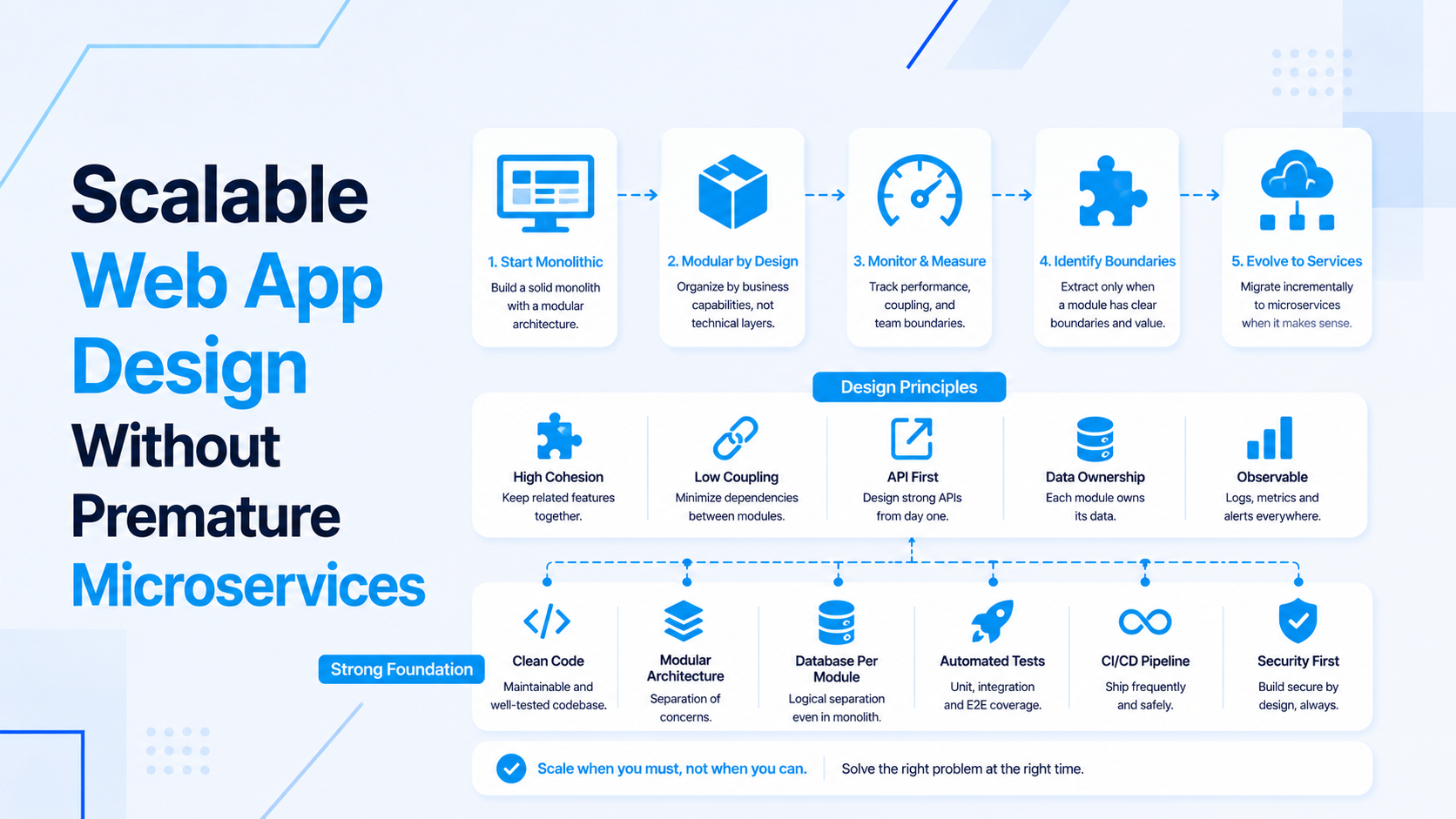
Custom web application architecture should begin with the way the business works. The best architecture is not the most complicated one; it is the structure that makes modules, roles, workflows, data, and integrations clear enough to maintain after launch.
This guide explains how to plan modules, roles, workflows, APIs, database structure, dashboards, queues, and deployment readiness for a custom web application.
Start With Business Modules
Business modules are the natural sections of the application. They should map to real work, not only database tables or menu items.
- Customer, lead, order, booking, project, inventory, ticket, billing, or reporting modules.
- Admin settings, user management, notifications, and audit logs.
- Integration modules for payment, CRM, ERP, marketing, mobile, or partner APIs.
- Support modules for imports, exports, comments, attachments, and activity history.
If the module map is still unclear, use the custom web application discovery checklist before development starts.
Role And Permission Architecture
Roles should describe what users do in the business workflow. Permissions should protect actions and data at the backend level.
- Define owners, admins, managers, staff, customers, vendors, or viewers only where needed.
- Scope data by team, branch, account, organization, or project if the app requires it.
- Protect sensitive actions such as exports, approvals, deletes, user invites, and billing changes.
- Log actions that affect money, access, customer data, or operational history.
Workflow Design
Workflows connect modules and roles. Each important workflow should have clear states, transitions, and responsible users.
- Define the starting point, status changes, approval points, notifications, and final outcome.
- Identify exceptions such as rejected approvals, failed payments, missing documents, or delayed tasks.
- Move slow or retryable work into background jobs.
- Keep workflow state visible through dashboards, filters, and activity logs.
For backend workflows and APIs, plan backend API development early.
Database And API Boundaries
The database and API should support the workflow without becoming tangled.
- Use clear relationships between modules.
- Add indexes for common filters, statuses, dates, and ownership columns.
- Keep request validation, authorization, and response shapes consistent.
- Separate reporting endpoints from transactional endpoints when the data load grows.
For database-heavy applications, include database design and optimization.
Frontend And Dashboard Architecture
The frontend should reflect user tasks. Dashboards, tables, forms, and detail pages should make frequent work easy to scan.
- Use dashboards for decisions and exceptions.
- Use tables for operational review and bulk action.
- Use forms for structured input with clear validation.
- Use detail pages for history, attachments, comments, and workflow actions.
For application interfaces, review React and Next.js development.
Final Architecture Checklist
- Modules match real business areas.
- Roles and permissions protect sensitive actions.
- Workflows have clear statuses and owners.
- APIs and database structure support the workflow cleanly.
- Dashboards show operational status and exceptions.
- Queues, logs, tests, deployment, and support are included.
If you need architecture and implementation help, start with full-stack custom web application development or Laravel development services.

Prakash Tank
Full-Stack Architect & Tech Enthusiast. Passionate about building scalable applications and sharing knowledge with the community.