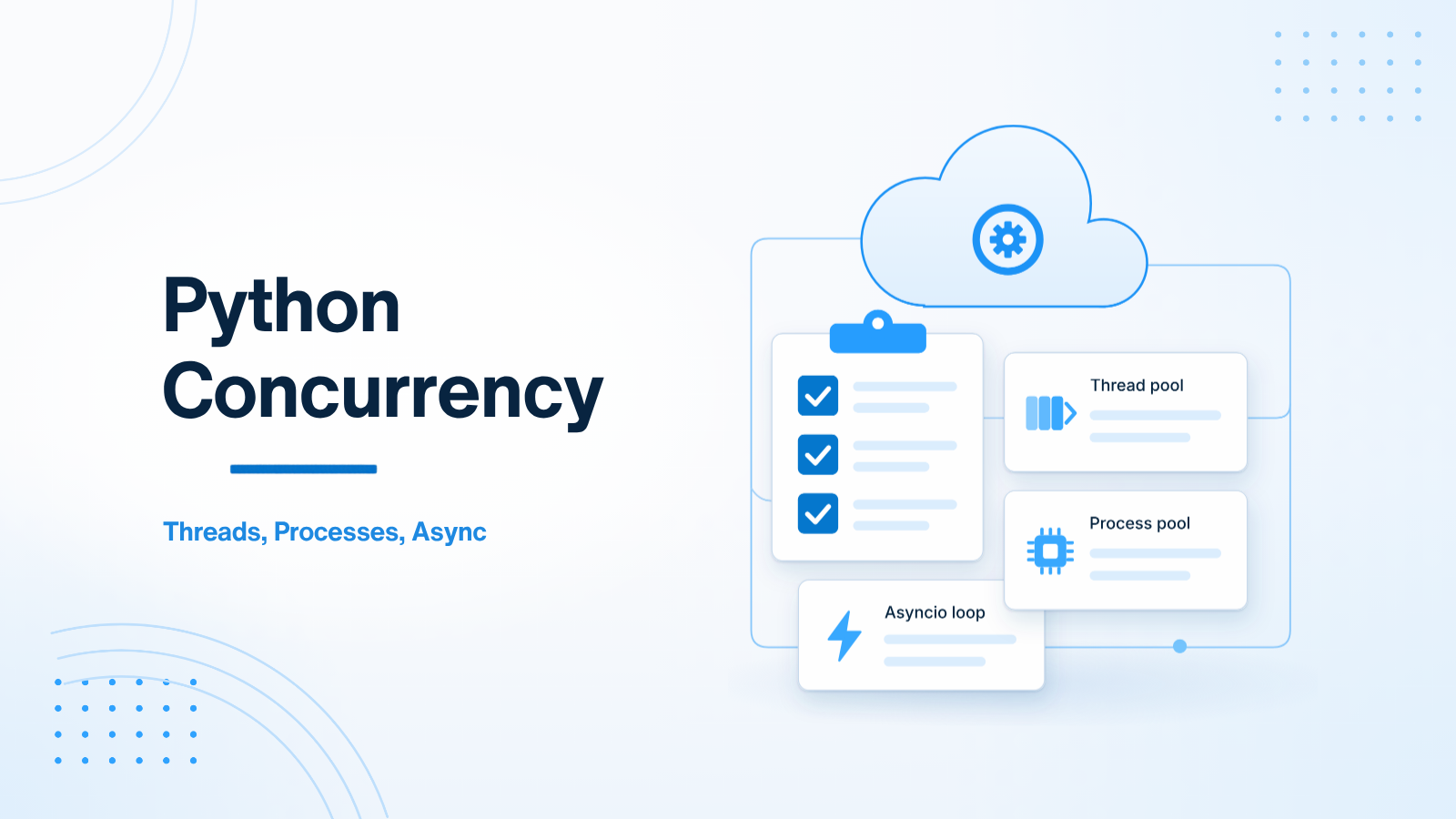
Python gives you three concurrency tools in the standard library: asyncio, threading, and multiprocessing. They are not interchangeable. Using the wrong one can freeze a FastAPI app, burn CPU on context switches, or give you no speedup at all. The useful question is simple: is the work waiting on I/O, or is it busy computing?
This guide is a decision map for backend work. It is not a deep dive into the asyncio event loop, and it is not about background job queues. Those are separate problems. Here the goal is to pick the right primitive, and to avoid a few patterns that look correct but behave badly in production.
Decision matrix
| Workload | Typical examples | Best tool | Why |
|---|---|---|---|
| I/O-bound, high concurrency | FastAPI routes, HTTP clients, modern async database drivers, LLM API calls | asyncio |
One thread can wait on many sockets without a thread per request |
| I/O-bound, sync libraries | Blocking database drivers, file I/O, older SDKs | threading or ThreadPoolExecutor |
The GIL is usually released during I/O, so threads can overlap waits |
| CPU-bound | Image transforms, PDF parsing, tight numerical loops, some in-process ML | multiprocessing or ProcessPoolExecutor |
Each process has its own interpreter and can use another core |
If a FastAPI handler only awaits other async I/O, stay on the event loop. If it must call a blocking library, run that call in a thread pool. If the work is CPU-heavy, use a process pool. Mixing those up is the usual source of “async” services that still stall under load.
Asyncio for concurrent I/O
asyncio shines when most of the time is spent waiting: a provider HTTP call, a cache lookup, a query on an async driver. The event loop can start another request while the first one is waiting. That is why FastAPI and modern LLM clients work well together when both sides are async.
The rule is strict: do not run blocking work directly in an async def path. A sync HTTP client, a heavy PDF parse, or a long CPU loop will stop the event loop from serving anyone else. If you must use a sync library, wrap the call:
import asyncio
from fastapi import FastAPI

app = FastAPI()

def fetch_legacy_record(record_id: int) -> dict:
    # Blocking SDK or driver. Do not call this directly in async code.
    return {"id": record_id}


@app.get("/records/{record_id}")
async def get_record(record_id: int):
    return await asyncio.to_thread(fetch_legacy_record, record_id)
asyncio.to_thread runs the function in the default thread pool. Use it for occasional blocking I/O, not for CPU-heavy work. Threads will not give you extra CPU cores for Python bytecode because of the Global Interpreter Lock (GIL).
Threads for legacy blocking I/O
Threads are still the right tool when the library you need is synchronous and releases the GIL while it waits — many database drivers, file reads, and network SDKs do. A ThreadPoolExecutor you create once, at startup, is better than spawning unbounded threads per request.
from concurrent.futures import ThreadPoolExecutor
from fastapi import FastAPI

app = FastAPI()
thread_pool = ThreadPoolExecutor(max_workers=16)

@app.on_event("shutdown")
def close_pool():
    thread_pool.shutdown(wait=True)
Size the pool on purpose. Too few workers and blocking calls queue up behind each other. Too many and you can overwhelm a database or a third-party API. The pool is a safety valve, not a way to hide a sync architecture inside an async app. If most of your I/O can be made async, prefer that instead of growing the thread pool.
FastAPI’s older @app.on_event style still works; in newer apps you can also bind the pool to a lifespan context. The important part is the same: create the pool once, and shut it down cleanly.
Processes for CPU-bound work
The GIL means one Python process typically executes bytecode on one core at a time. Image resizing, PDF parsing, or a tight computation will not get faster by adding threads. You need another process.
Create the process pool at startup, not inside the request. Starting a fresh ProcessPoolExecutor on every upload pays a large startup cost and can fork more workers than the machine can hold.
import asyncio
from concurrent.futures import ProcessPoolExecutor
from fastapi import FastAPI

app = FastAPI()
process_pool: ProcessPoolExecutor | None = None


def heavy_image_processing(file_bytes: bytes) -> bytes:
    # CPU-heavy work belongs here, in a separate process.
    return file_bytes


@app.on_event("startup")
def start_pool():
    global process_pool
    process_pool = ProcessPoolExecutor(max_workers=2)


@app.on_event("shutdown")
def stop_pool():
    if process_pool is not None:
        process_pool.shutdown(wait=True)


@app.post("/images/process")
async def process_image(file_bytes: bytes):
    assert process_pool is not None
    loop = asyncio.get_running_loop()
    return await loop.run_in_executor(process_pool, heavy_image_processing, file_bytes)
Keep process pools small. Each worker is a full Python process with its own memory. Two or four workers are often enough for a single API instance. If the CPU work is long or bursty, a background job queue is usually a better home than doing it inside the request at all.
How to choose in a FastAPI app
- Stay on the event loop when the handler only awaits async I/O.
- Use a shared thread pool when you must call a blocking library and the wait is I/O, not CPU.
- Use a shared process pool when the work is CPU-bound and still needs to finish in-request.
- Move the work to a worker process or queue when it is too slow, too bursty, or too dangerous to run inside the API process.
A practical test helps: if the service’s latency rises for everyone when one request does heavy work, you are blocking the event loop or sharing one CPU core. If memory jumps when traffic rises, you may be starting pools or processes per request. Fix the primitive before you add more servers.
One more caution: code that looks async is not always non-blocking. A function named async can still call a sync SDK underneath. Read the library docs, and if you see a blocking call, wrap it or replace it. The matrix only helps if the work you classify as I/O really yields while it waits.
Summary
Use asyncio for concurrent I/O, threads for leftover blocking I/O, and processes when you need another core for CPU work. Create executors once at startup, never per request, and do not run blocking or CPU-heavy code directly in an async handler. Get that choice right, and FastAPI stays responsive; get it wrong, and no amount of extra routing will help.
If you are sorting out concurrency in a Python or FastAPI service, get in touch. I can help you pick the right primitive and keep the request path clear of work that belongs in a pool or a worker.

Prakash Tank
Full-Stack Architect & Tech Enthusiast. Passionate about building scalable applications and sharing knowledge with the community.