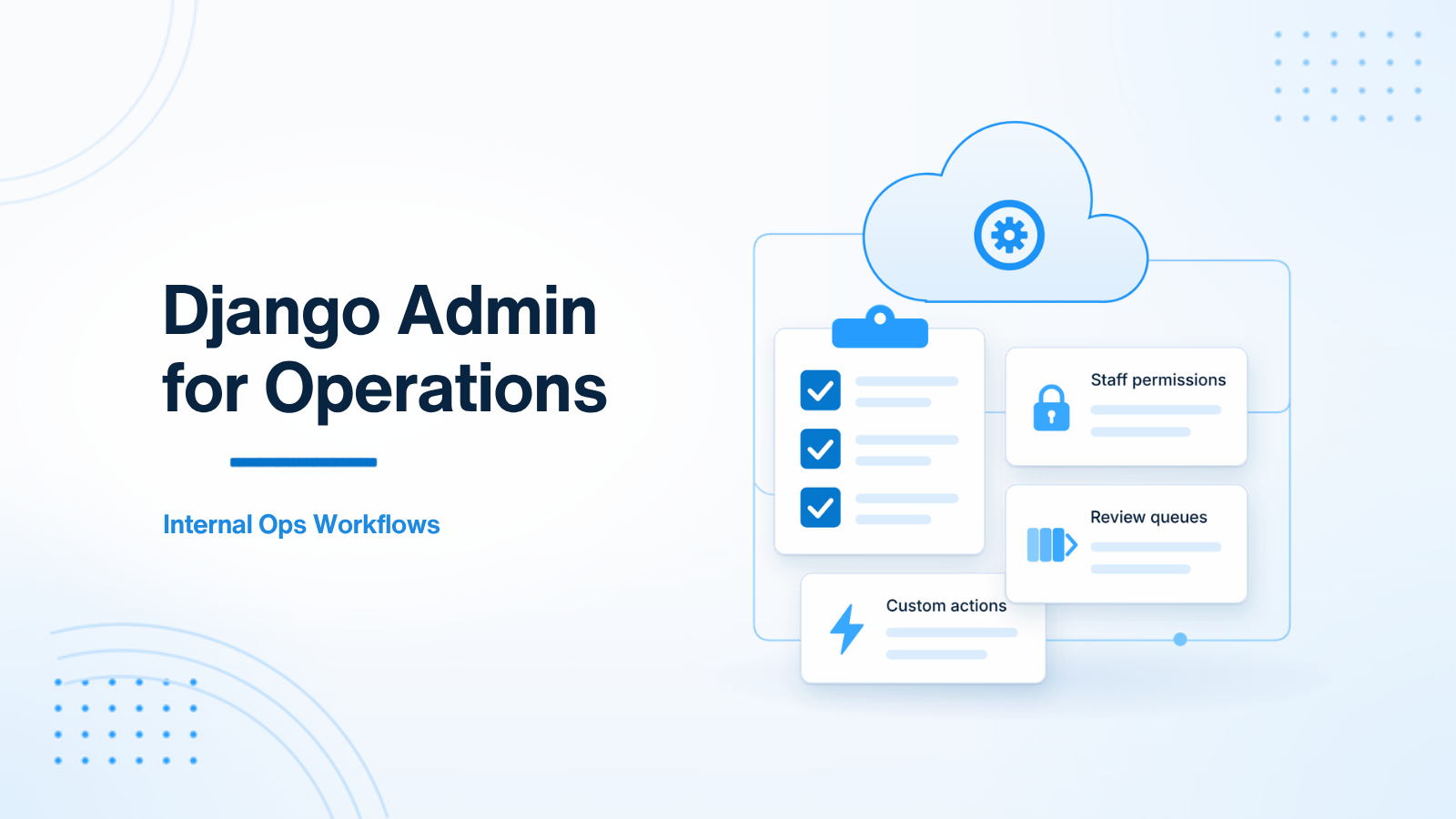
Many teams underuse Django admin. They leave the defaults in place, then build a second internal React app for every operations workflow. Sometimes that is the right call. Often, Django admin can become a strong internal operations tool with less surface area to maintain.
The goal is not to force every internal screen into admin. The goal is to treat admin as a product surface for staff: search that answers real questions, actions that move work along, permissions that match roles, and heavy work that runs in the background.
When Django admin is enough
- The users are internal, not customers.
- The work is mostly review, correction, approval, assignment, retry, or export.
- You need auditability and role-based access sooner rather than later.
- The volume and UX complexity do not yet justify a custom internal app.
If operators already live in spreadsheets, or if engineers are running SQL to retry jobs and patch records, admin is usually a better first tool than a half-finished internal SPA. You already have auth, CSRF protection, and a model layer. Use them.
Make the list view answer real questions
The default changelist is a dump of rows. Operators do not ask “show me all instances of this model.” They ask “show failed jobs from yesterday,” “show invoices waiting for review,” or “show accounts that signed up this week and have not been approved.”
Build the list around those questions. Add list filters, date hierarchies, and search fields that match the terms staff actually use. Show the columns they need to decide, and hide the rest. A good list_display and list_filter pair can remove a daily Slack request for “can you look this up?”
from django.contrib import admin
from .models import Invoice


@admin.register(Invoice)
class InvoiceAdmin(admin.ModelAdmin):
    list_display = ("id", "account", "status", "amount", "updated_at")
    list_filter = ("status", "updated_at")
    search_fields = ("id", "account__name", "account__email")
    date_hierarchy = "updated_at"
    ordering = ("-updated_at",)
    list_select_related = ("account",)
list_select_related matters more than it looks. An admin list that follows a foreign key without it can become a stream of extra queries. Treat the changelist like any other production page: keep it fast, or staff will go back to spreadsheets.
Turn repeated work into admin actions
If someone does the same thing every day — retry a failed job, assign a ticket, mark an OCR review complete, export a filtered CSV — make it an admin action. Name the action in operator language, not engineer language. “Retry failed jobs” is clearer than “requeue_task.”
@admin.action(description="Retry failed jobs")
def retry_failed_jobs(modeladmin, request, queryset):
    for job in queryset.filter(status="failed"):
        job.enqueue_retry(requested_by=request.user)
    modeladmin.message_user(request, "Selected failed jobs were queued for retry.")
Two rules keep actions safe. First, they should not do heavy work in the request. An action can mark records and enqueue a job; it should not generate a large report or call a slow vendor inline. Second, dangerous actions need a confirmation step and a permission check. Bulk deletes, refunds, and anything that emails customers should be hard to do by accident.
Pair admin with background jobs
Admin is a control panel, not a worker. “Generate report,” “Re-run OCR,” and “Rebuild search index” should create a job with a clear status and, where needed, an idempotency key. Show the result back in admin: queued, running, failed, complete. If staff cannot see what happened after they clicked, they will click again.
This is one of the most important differences between a demo admin and an operations admin. The first one writes to the database immediately. The second one starts work, records who started it, and leaves a trail.
Permissions, readonly fields, and inlines
Not everyone should see every field. Support staff may need to view a billing record and should not edit it. Managers may approve. Engineers may replay jobs. Django’s permission system, plus readonly_fields and custom has_change_permission checks, can express that without a new app.
Use inlines carefully. Show the related rows an operator needs to make a decision, not every foreign key in the graph. Too many inlines make the page slow and hard to scan. A short related list, or a link to a filtered changelist, is often clearer.
Log who did what. Django admin already records some history through log entries. For sensitive workflows, add an explicit audit trail: who approved, who retried, from which previous state. That is part of making admin operable, not an optional extra.
When to graduate beyond admin
Build a custom UI when operators need complex multi-step screens, realtime collaboration, drag-and-drop planning, or customer-facing polish. If a workflow takes more than a few decisions on one page, or if people who are not staff must use it, admin is probably the wrong shell.
Until then, a tuned Django admin often beats a custom internal app that never quite ships. Treat ModelAdmin classes as product surfaces. Document the five workflows the team uses weekly. Keep the defaults only where they already fit.
A simple way to decide is to write down the weekly workflows first, then see how many of them fit a filtered list plus an action. If most of them do, invest in admin. If most of them need a wizard, a live board, or a customer-facing tone, start the custom UI for those flows only and leave the rest in admin. You can split the two. You do not have to replace admin in one move.
Summary
Django admin can replace spreadsheet chaos for internal operations when you invest in filters, actions, permissions, and job-backed workflows. It is one of Django’s strongest advantages over thinner API frameworks, as long as you treat it like a tool for operators rather than a leftover CRUD screen.
If you are turning Django admin into a real operations console, or deciding when to keep it versus building a custom internal UI, get in touch.

Prakash Tank
Full-Stack Architect & Tech Enthusiast. Passionate about building scalable applications and sharing knowledge with the community.