In a landscape full of micro-frameworks and custom frontend stacks, Django is still one of the fastest ways to take a commercial SaaS product from an idea to a working launch. Its batteries-included design means you spend time on the product’s actual value, not on rebuilding authentication, migrations, or an internal admin from scratch.
That does not mean Django is the right tool for every service. A thin async AI gateway may be happier in FastAPI. This article is about a different shape of product: a SaaS with users, roles, billing records, and staff who need to operate the system on day one.
What “batteries-included” actually gives you
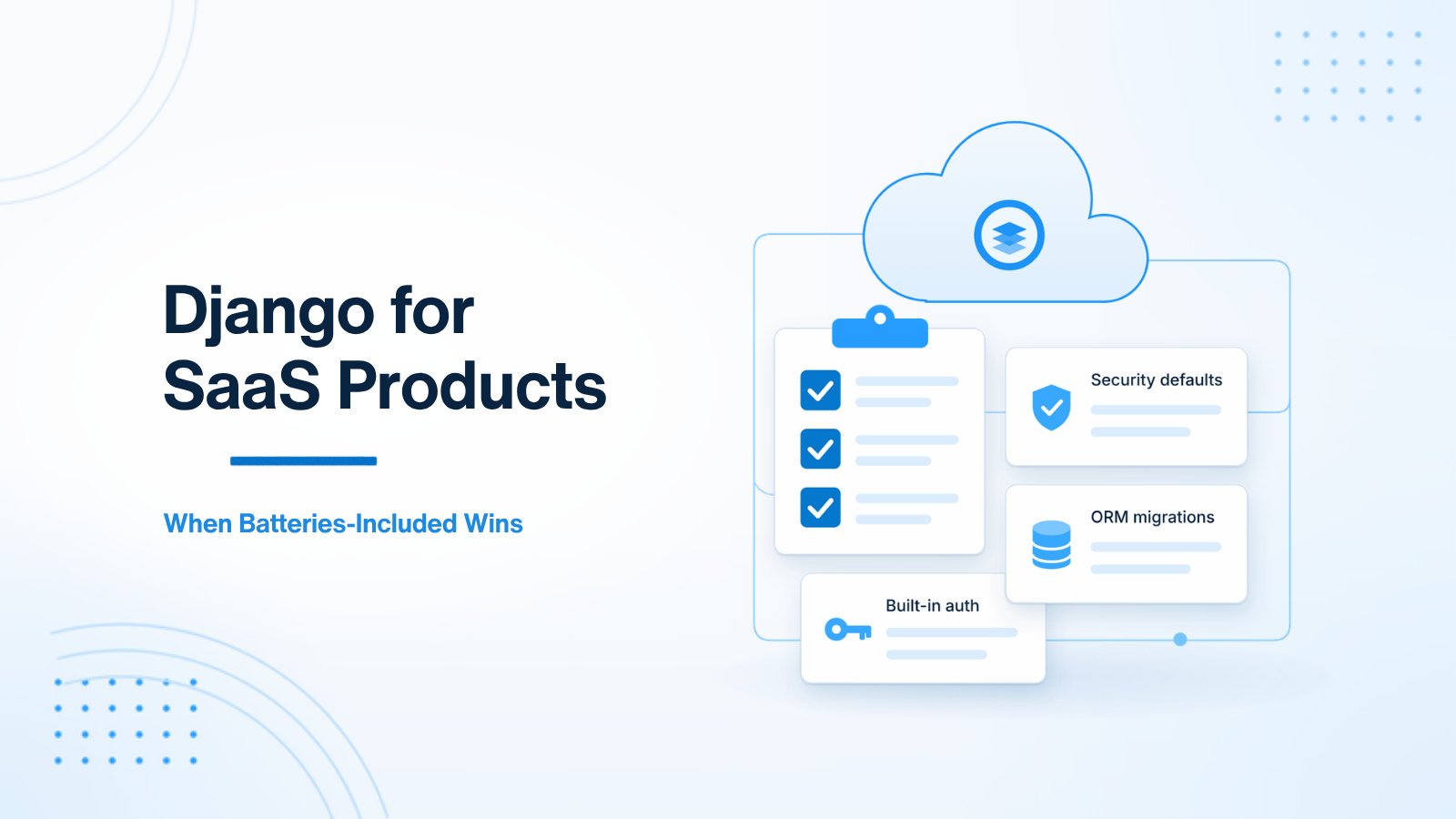
A SaaS needs more than a JSON API. It needs a way to store data safely, change that schema over time, sign users in, reset passwords, assign permissions, and let staff inspect or fix records. Django ships those pieces, and they are designed to work together.
- The ORM and migrations. You model the domain and get a migration history, not an ad-hoc set of SQL files.
- Authentication and permissions. Users, groups, password hashing, sessions, and permission checks are already there.
- The admin. Staff can manage users and records without you first building a React back office.
- Forms, templates, and CSRF protection. When you need a server-rendered flow — signup, billing portal, staff tools — the defaults are already conservative.
- Security middleware. Clickjacking headers, XSS escaping in templates, and CSRF protection come on by default.
You can assemble the same list with a micro-framework. You will just assemble it yourself, and you will assemble it again for the next product. For a SaaS, that time is usually better spent on the domain.
The admin is a launch advantage
Every commercial SaaS needs an internal place to inspect users, adjust a plan, or look at a failed payment. Building that as a custom frontend can take weeks. Django can give you a secure, usable admin from your models much sooner.
That admin will not stay at the defaults forever. As the operations team grows, you will want better filters, actions, and permissions. That work is covered in more depth in a separate article on using Django admin as an internal operations tool. The point here is simpler: you are not blocked on an internal UI before you can launch and support customers.
Security defaults that are easy to take for granted
Django is conservative in ways that help a SaaS ship without a special security project on day one:
- The ORM parameterizes queries, which removes a common class of SQL injection mistakes.
- Templates escape output by default, which reduces XSS risk in server-rendered pages.
- CSRF protection is on for cookie-based form posts.
- Password hashing and session handling are built in, so you are not tempted to store raw passwords or invent a cookie scheme.
None of this replaces a threat model, review, or later hardening. It does mean the framework is not leaving those gaps open by default. If you add a separate API for a React or mobile client, you still need to think about authentication, authorization, and rate limits there — often with Django REST Framework, which is a related but separate concern.
Auth, roles, and the first version of tenancy
Most SaaS products have a user, a team or account, and a question about who can see which rows. Django’s user and permission system will not finish a multi-tenant design for you, but it gives you a solid place to start: authenticated users, groups, and object- or role-based checks you can grow.
A first version can be as simple as every business object pointing at an account, and every query filtering by the current account. That pattern is easy to express in Django views or managers. You can add invitations, roles, and more precise permissions later. You are not forced to invent a user table and a login flow before that work begins.
When Django is the wrong default
Choose something else, or add a second service, when the product is mainly a high-concurrency async API, a streaming AI gateway, or a worker farm with little staff UI. Django can call APIs and run background jobs, but it is not the most natural home for a service that exists only to stream tokens or run OCR. In those cases a hybrid is common: Django owns the product, users, and admin; a FastAPI service owns the specialized AI or async work.
If you have no operators, no accounts, and no need for an admin, the batteries may be unused weight. Use them when they match the product you are actually shipping.
A useful planning test is to list the first ten screens and jobs the product needs: signup, login, password reset, account settings, a staff console, a payment record, a few domain objects, and a migration path when those objects change. If most of that list is already a Django strength, start there. You can still add FastAPI later for a specialized service. Starting with Django does not lock you out of a hybrid later; starting with a thin API and no admin often delays the parts a SaaS cannot launch without.
Summary
Django wins for many SaaS products because the boring pieces are already built and already wired together: auth, migrations, security defaults, and an admin that lets you operate the product. That leaves more time for the part only you can build. When the work is a focused async or AI service, use a tool that fits that job, or sit it beside Django rather than forcing a single framework to do everything.
If you are choosing a Python stack for a SaaS, or you want to grow an existing Django product without throwing away the batteries it already has, get in touch.

Prakash Tank
Full-Stack Architect & Tech Enthusiast. Passionate about building scalable applications and sharing knowledge with the community.