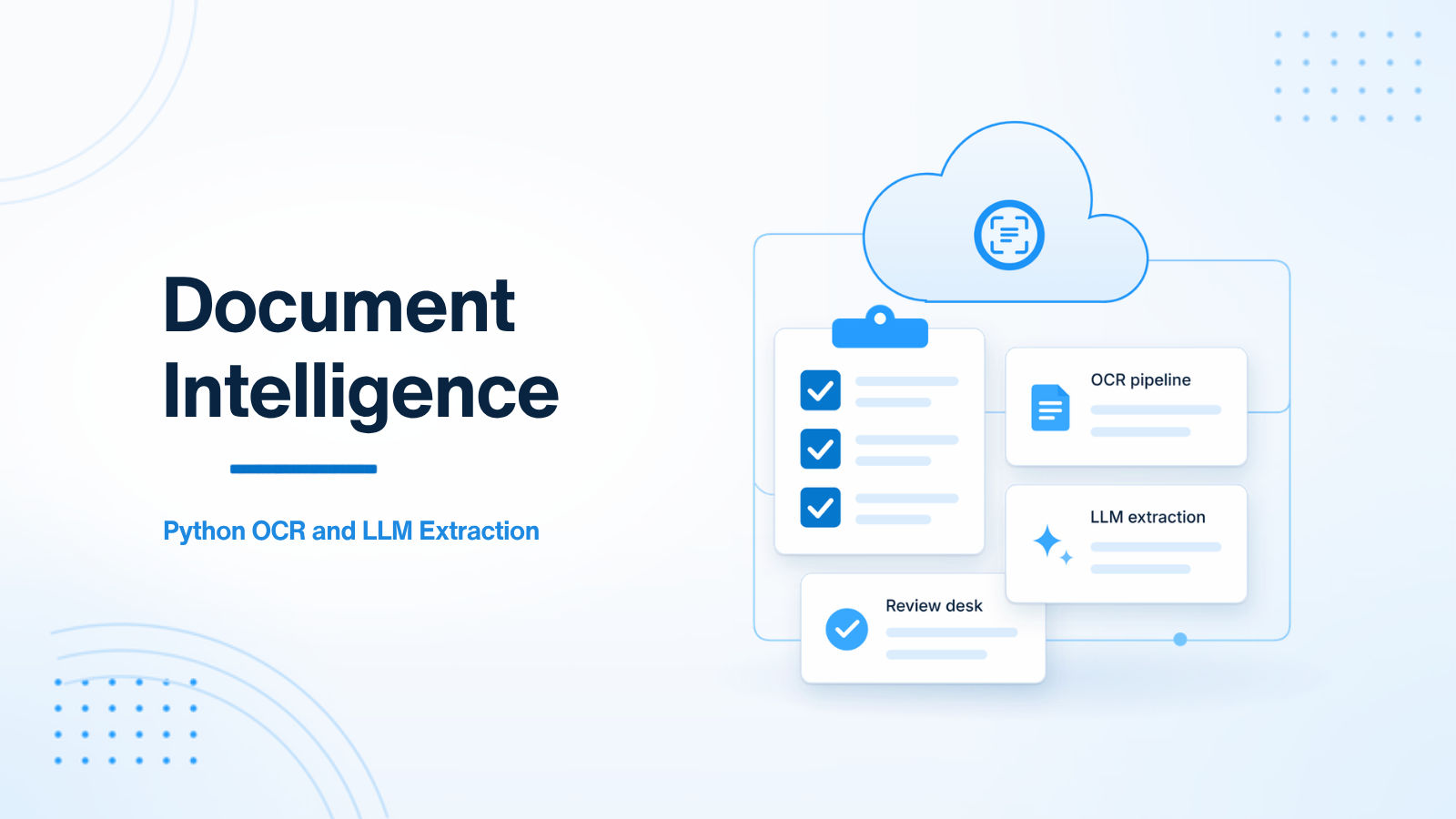
Document intelligence is a common Python AI workload: take PDFs and images and turn them into structured fields a product can store and act on. The durable pattern is not “send the whole PDF to a chatbot.” It is a pipeline: ingest, OCR, extract, score confidence, review exceptions, then deliver JSON.
This article stays on that pipeline. It does not replace a general OpenAI service guide, and it does not try to be a full FastAPI sidecar architecture. The focus is how to go from a file to validated fields without inventing values when the scan is poor.
Pipeline stages
- Ingest. Accept an upload, store it in object storage, and record a document id. Scan for malware where that is required, and set a retention rule.
- OCR. Extract text and, when you can, layout signals from scans or image-heavy PDFs. Born-digital PDFs may already have a text layer; do not run OCR blindly if the text is already reliable.
- Extract. Map text into typed fields with an LLM, or with rules plus an LLM. Ask for structured output that matches a schema.
- Score. Attach a confidence to each field, not only to the document as a whole. A strong invoice date and a weak total should not share one score.
- Review. Send low-confidence or high-risk fields to a human desk. Do not silently fill a regulated field from a guess.
- Deliver. Push a JSON payload or webhook into the product system — Laravel, Django, Node, or anything else that owns the business record.
Each stage should be retryable and idempotent. A replay of the same document id should not create a second customer, a second invoice, or a second payment instruction.
Why FastAPI and a worker belong together
A FastAPI gateway is a clean boundary for uploads, job status, and result contracts. Heavy OCR and model calls belong on workers. The product app should not block an HTTP request on a multi-page OCR job, and neither should the FastAPI process that accepted the file.
# Conceptual HTTP contract
POST /documents              -> store the file, enqueue a job, return a document id
GET  /documents/{id}         -> status and extracted fields
POST /documents/{id}/review  -> human corrections
The worker pulls the job, runs OCR, calls the model, validates the result, and writes fields back. If the product already has a web app, keep auth, billing, and the canonical business record there. The Python service owns the file, the pipeline, and the extracted schema.
Make the output a schema, not a chat reply
Use a Pydantic model for the fields you actually need. Ask the model for structured data, then validate. If validation fails, treat that as a pipeline error or a review item, not as a chance to “fix it” with another free-form prompt.
from typing import Literal
from pydantic import BaseModel, Field


class ExtractedInvoice(BaseModel):
    supplier_name: str
    invoice_date: str
    total_amount: str
    currency: str = Field(min_length=3, max_length=3)
    confidence: dict[str, Literal["high", "medium", "low"]]
Store the OCR text, the raw model output, the validated object, and the prompt version. You will need them when a field is wrong. Prompt changes should be versioned, because “we improved the prompt” is not an audit trail if you cannot see which version produced a given record.
For the model call itself, use a dedicated client in the worker, with a timeout and retries for transient failures. That wrapper belongs in the worker, not in the upload route. Keep the HTTP handler short: save the file, enqueue the job, return the id.
Extraction quality habits
- Prefer a narrow schema over a request for “all useful information.”
- Validate types and required fields after the model responds.
- Score each field. Route low scores to review.
- Never skip review for high-risk financial or legal fields just because the model sounded sure.
- Keep a way to correct a field and to record that a human, not the model, made the change.
OCR quality is often the real bottleneck. Blurry scans, multi-column layouts, stamps, handwriting, and mixed languages all reduce what the model can safely extract. A pipeline that cannot say “I am not sure” will invent values. That is worse than a delayed review.
Failure modes to design for
Design for the document that is hard, not only the one that is clean. Timeouts, provider rate limits, and unreadable pages should mark the job failed or pending review, then allow a safe retry. If a webhook delivers results to the product API, the product API must be able to receive the same document id twice without duplicating records.
Access control matters too. A document upload endpoint is a file-acceptance surface. Limit types and sizes, store objects privately, and do not return raw object URLs to callers who should only see extracted fields. The review desk should see the original and the extracted values together, or reviewers will be guessing as well.
A first version can be narrow: one document type, a small schema, a review queue, and a single downstream webhook. Resist starting with a general “document chatbot” that accepts any file and returns a paragraph. It is harder to validate, harder to review, and harder to trust in a product path. Add document types only when the first one is stable, including the failure path.
Measure the pipeline by field accuracy on a held-out set of real documents, not by how fluent the model sounds. A short golden set, even a few dozen files, will tell you when a prompt change helped and when it quietly broke a field. You do not need a large platform to start that habit.
Summary
Production document intelligence is a Python pipeline: ingest, OCR, structured extraction, confidence, and human review. FastAPI is a good front door, but the slow work belongs on a worker, and the output should be a validated schema rather than a chat transcript. Chat wrappers that skip those stages create silent data errors.
If you are building or tightening a Python OCR and LLM extraction pipeline, get in touch.

Prakash Tank
Full-Stack Architect & Tech Enthusiast. Passionate about building scalable applications and sharing knowledge with the community.