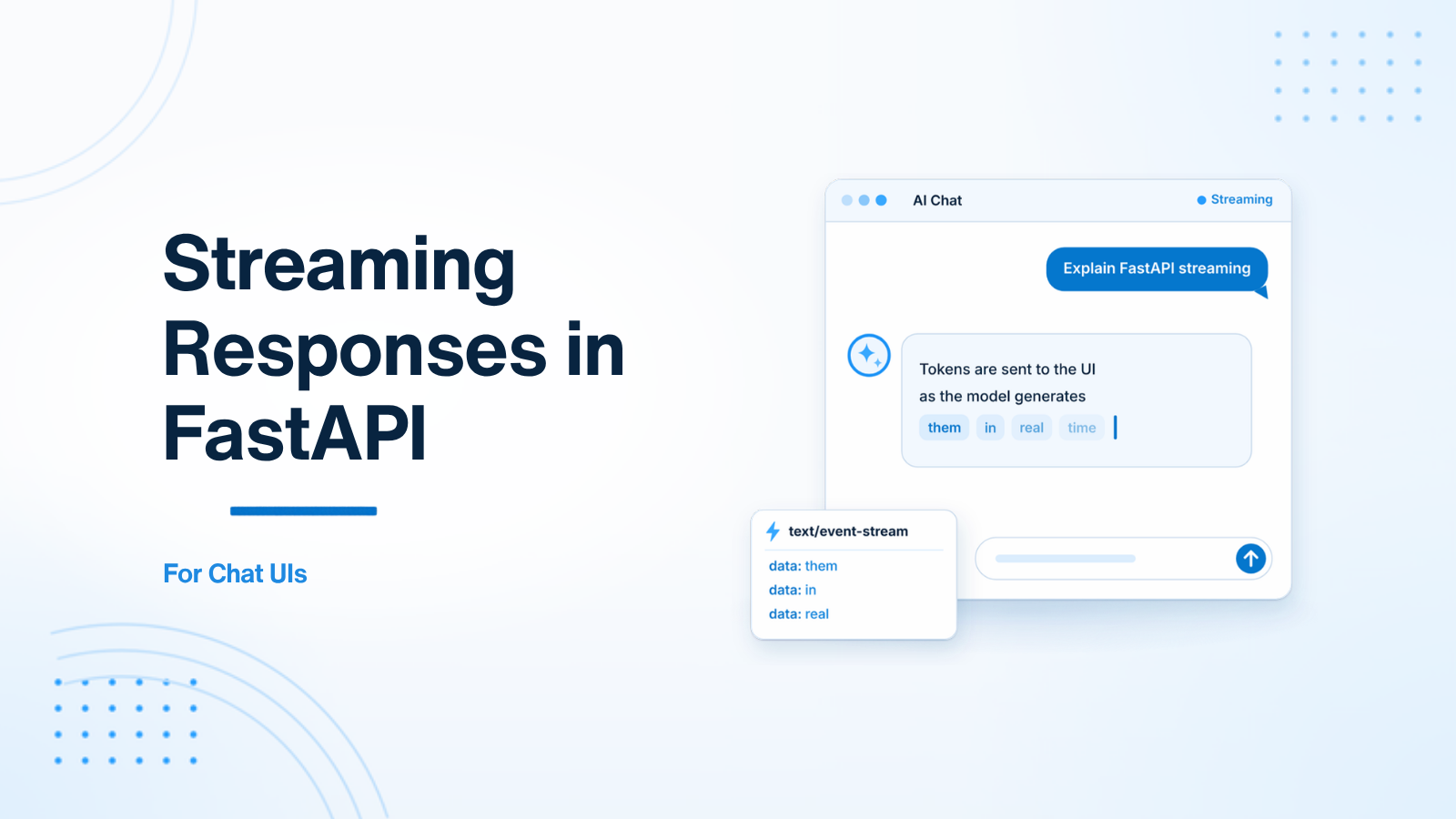
When building LLM-powered chat interfaces (like ChatGPT), waiting 5–10 seconds for the entire completion to finish generating before returning a response feels sluggish to users. Using **Streaming Responses** with **Server-Sent Events (SSE)** in FastAPI allows tokens to be streamed to the user interface in real time as they are generated.
1. Implementing StreamingResponse with OpenAI
from fastapi import FastAPI
from fastapi.responses import StreamingResponse
from openai import AsyncOpenAI
import asyncio

app = FastAPI()
client = AsyncOpenAI()

async def stream_openai_response(prompt: str):
    response = await client.chat.completions.create(
        model="gpt-4o",
        messages=[{"role": "user", "content": prompt}],
        stream=True
    )

    async for chunk in response:
        content = chunk.choices[0].delta.content
        if content:
            # Format as Server-Sent Event (SSE) data frame
            yield f"data: {content}\n\n"

@app.get("/api/chat/stream")
async def chat_stream(prompt: str):
    return StreamingResponse(
        stream_openai_response(prompt),
        media_type="text/event-stream"
    )
2. Consuming the Stream in JavaScript (Frontend)
const eventSource = new EventSource('/api/chat/stream?prompt=Explain+FastAPI');

eventSource.onmessage = (event) => {
    // Append stream chunk to UI token by token
    document.getElementById('chat-box').innerText += event.data;
};

eventSource.onerror = (err) => {
    eventSource.close();
};
Summary
FastAPI's native async architecture makes serving real-time streaming endpoints efficient and responsive for modern AI chat applications.
Building real-time AI features? Visit Python AI Development or Hire AI Developer.

Prakash Tank
Full-Stack Architect & Tech Enthusiast. Passionate about building scalable applications and sharing knowledge with the community.